
PLAYTROUGH
Coexistence
This game was created as part of a student project. Concept, design and implementation by Nicolai Rebhan, Benjamin Dyu-an Tran and Lukas Fritsch.
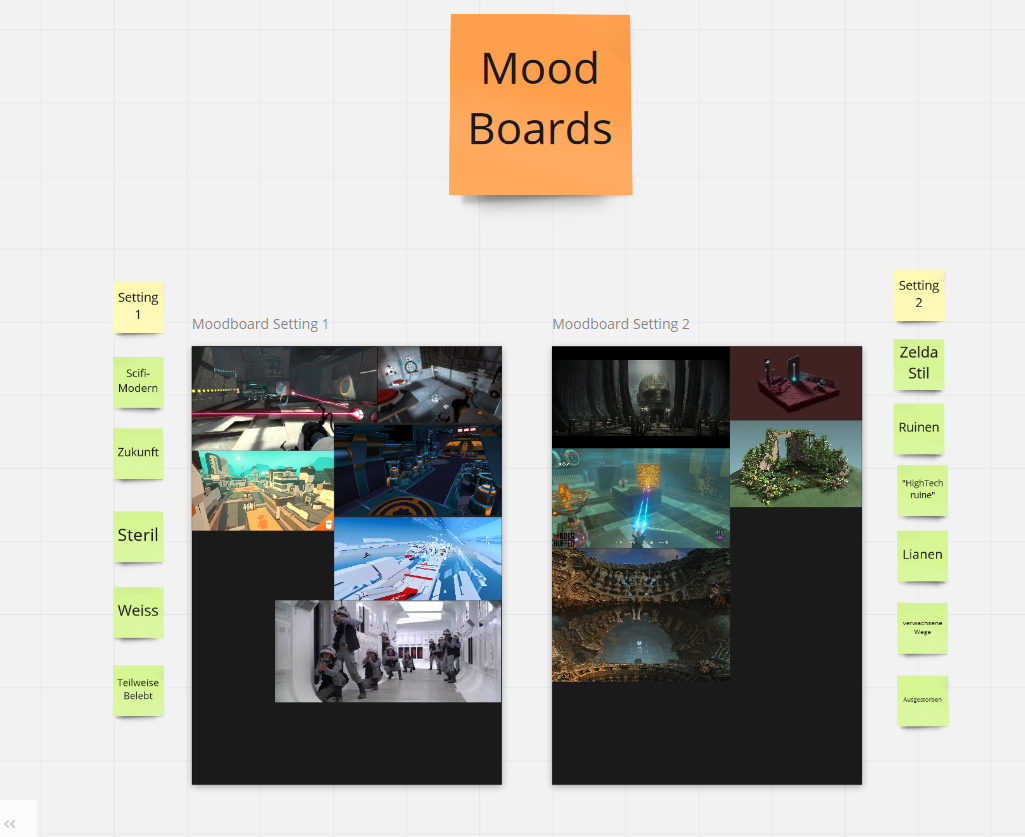
The brainstorming and mood boards for the game world and characters were created in a joint effort.
Meine Aufgaben waren die Folgenden:
- Creating the 3D models for the game world.
- Concept, development and editing of cutscene in Blender.
- Concept and development of the GUI.
- Concept, development and testing of the level design.
- Development and programing of the prototype in Unity3D.
High Concept
Your science experiment goes horribly wrong! You merged with yourself from another universe and suddenly exist in both worlds at the same time!
Now you have to somehow manage to reconstruct your experiment to separate again and get back to your original self, but just moving around becomes a challenge when you’re acting in two dimensions at once!
Gameplay
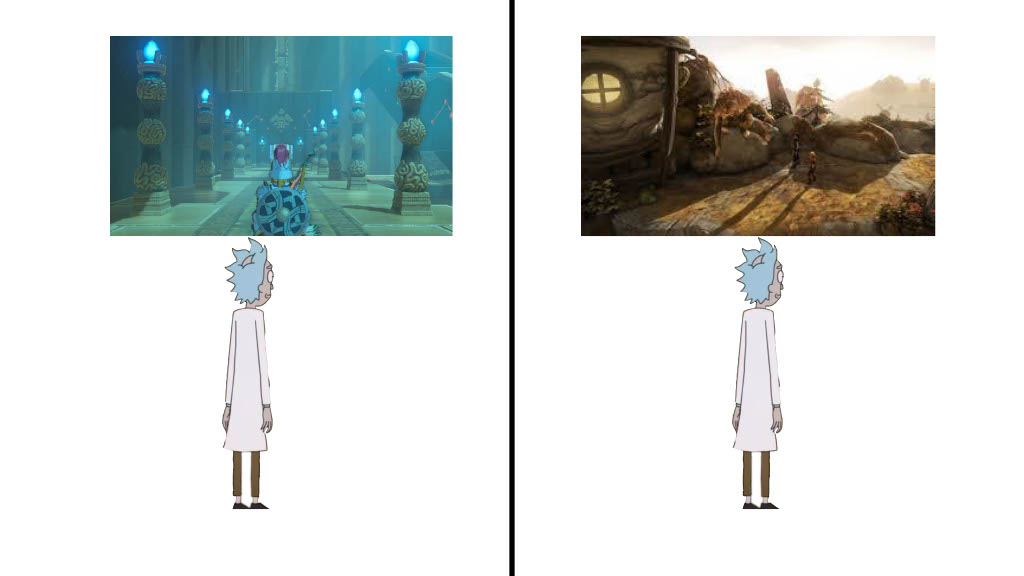
The player plays in two worlds simultaneously. These are separated by a split screen.
Both characters move synchronously.
Everything that happens to the player in one world also happens to him in the other.
For example, if he floats above a gravitational field in one world, he also floats in the other.
So the player can’t fall down in one world, if he still has ground under his feet in the other world.
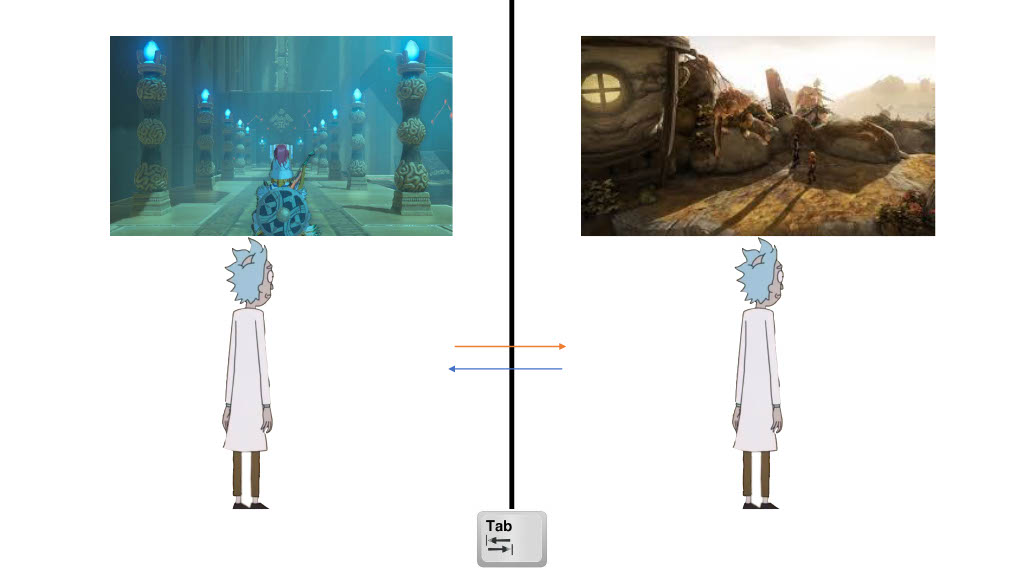
By pressing a button, the 2 characters swap places, taking with them all the items they carry.
The goal is to use these mechanics to solve environmental puzzles in order to get from level to level.
The full High Concept is available here:
Game World
Synchronous or simultaneous movement of the character. Change of movement patterns depending on the level possible different abilities of both characters. Possibility to switch the characters between the worlds by pressing a button („switch-mechanic“).
Splitscreen
worlds and obstacles/puzzles differ depending on the half of the screen
Challenging and varied environment puzzles
Different areas with different physics and environments.
Usable items
Ironic, funny companion that helps when you get stuck
Area#1
Physikal Dimension
The game world has a physical dimension comparable to our world
The components & laws of this dimension give a framework for movement possibilities, dangers and interaction
Due to the multiverse, there are 2 simultaneously running worlds/dimensions here
Liftable objects can be taken into the other world by the character switch, function.
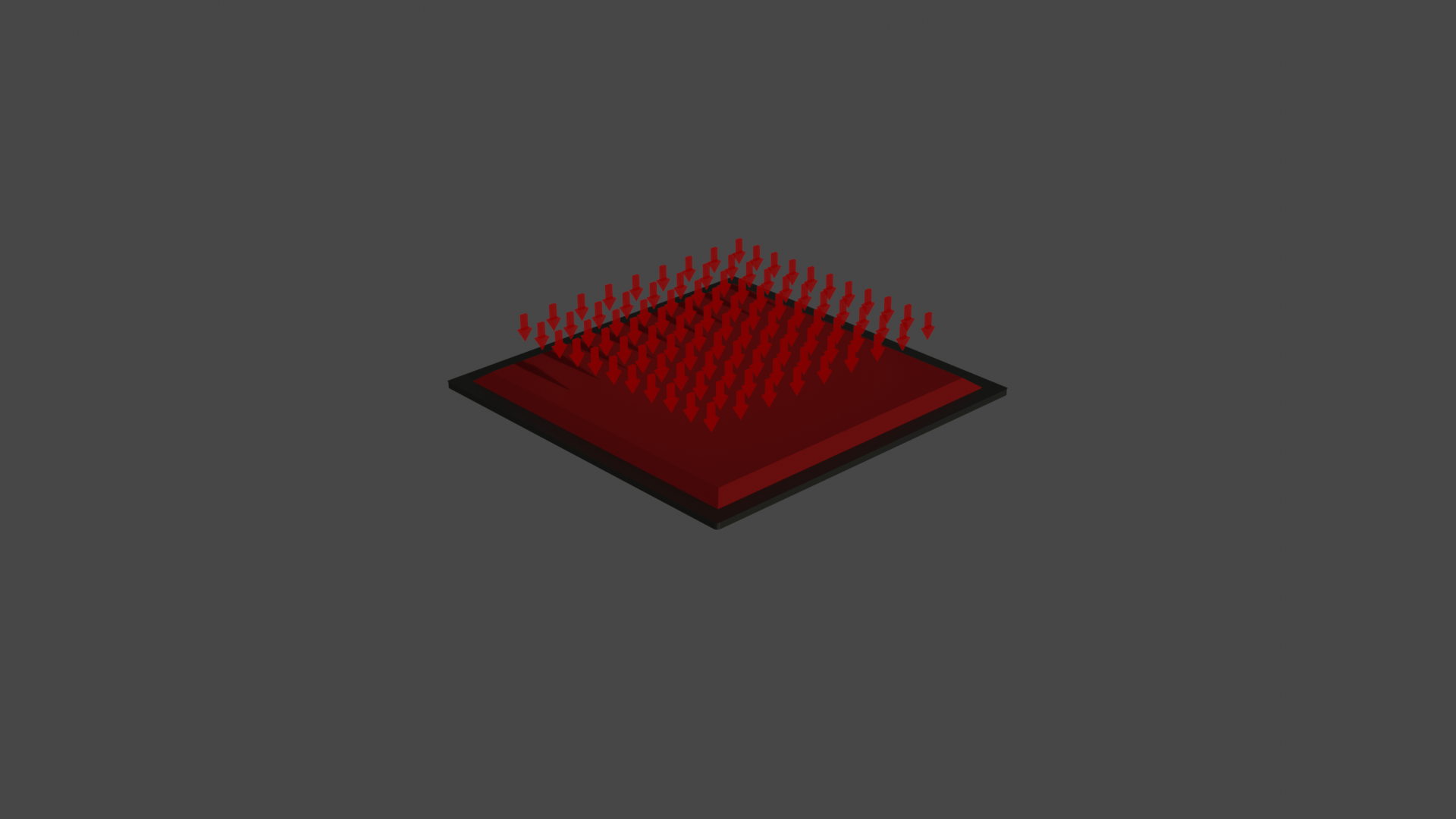
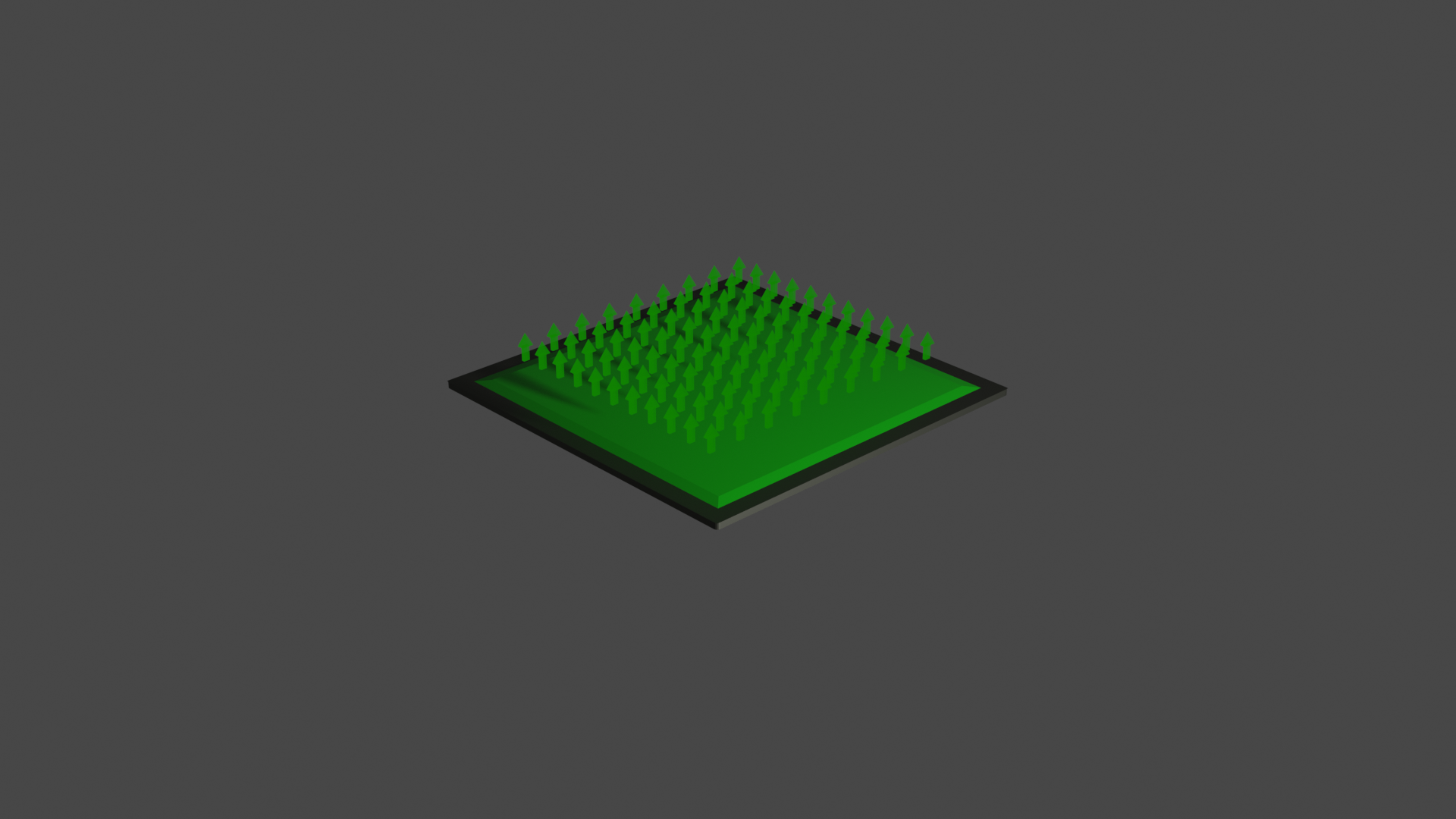
Physical effects in one world also affect the character in the other world (e.g. gravity)
The size of objects is relatively realistic to the real world resp. the game character
The speed of movement of characters is realistic and influenced by physical effects (e.g. slower walking due to higher gravitational pull on „forcefields.)
Level boundaries should make visual sense. Walls, chasms, rooms.
Levels are generally square and have clear edges.
Levels have a smooth transition. Completion of one room leads to the next (see Portal2).
Temporal Dimension:
Individual puzzle passages require „timing“ or „reaction speed“ from the player
Day & night can be different in the two worlds (e.g. in one world it is just bright day, in the other pitch dark night)
Environmental Dimension:
Setting 1 takes place in the future in a world similar to our earth
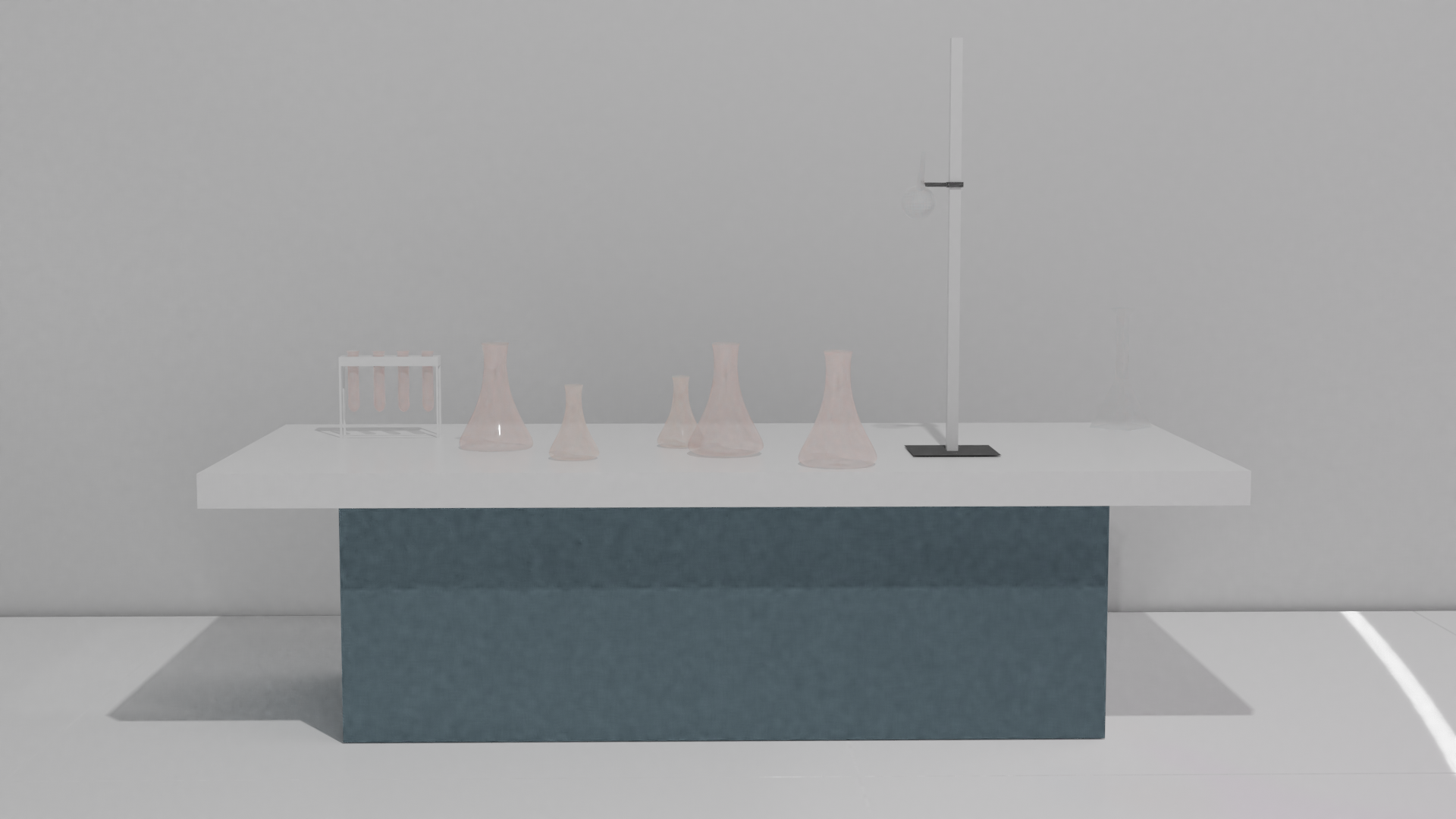
The environment and levels take place in a research laboratory (indoor)
There is a sterile, white look in the lab
Possible deco: pipes on the walls, gears, big lab glasses/tubes, experimental jars,…
Overall, there is little decoration in the levels, so that the player is focused on actually relevant objects or room elements.
There are no other people or characters visible in the levels. There is no human – human The focus should be on the puzzles
The game character is human. Human architecture, culture and appearance.
The game takes place mostly indoors
Area#2
Physical Dimension:
The game world has a physical dimension comparable to our world
The components & laws of this dimension give a framework for movement possibilities, dangers and interaction
Due to the multiverse there are 2 simultaneously running worlds/dimensions here
Liftable objects can be taken into the other world by the „character switch“ function
Physical effects in one world, also affect the character in the other world (e.g. gravity)
The size of objects is relatively realistic to the real world resp. the game character
The speed of movement of characters is realistic and influenced by physical effects (e.g. slower walking due to higher gravitational pull on „forcefields“)
Level boundaries should make visual sense. Walls, chasms, rooms.
Levels are generally square and have clear edges.
Levels have a smooth transition. Completion of one room, leads to the next (cf. Portal2).
Temporal Dimension:
Some puzzle passages require „timing“ or „reaction speed“ from the player.
Day & night can be different in the two worlds (e.g. in one world it is just bright day, in the other pitch black night)
Environmental Dimension:
Setting 2 is set in the present in a world similar to our Earth. However, there are mystical/fantasy elements.
The environment and levels take place in a temple/shrine (indoors)
There is a stony (gray, blue, green), massive, gloomy look with colorful accents and warm lights to keep the game world from looking eerie
Possible deco: torches, vegetation, stone figurines, floating cubes (implies mystery/fantasy), runes on the walls that glow
Overall, there is little decoration in the levels so that the player is focused on actually relevant objects or room elements
There are no other people or characters visible in the levels. There is no human-human interaction. The focus should be on the puzzles
The game character is human. Human architecture, culture and appearance.
The game takes place mostly indoors
The mood in setting 2 is: adventurous, gloomy, warm, massive, old
Level Design
Goal
Exciting puzzles should be created through physical mechanics as well as through interaction with the game world.
Events and objects in one world should unlock new possibilities and places in the other world.
Without the cooperation of both worlds, progress is impossible.
Mechanics known from previous levels should be used to give the player a sense of learning progress.
Not too many new mechanics should be introduced per level (1 – max. 2).
Mechanics
„2 are 1“ Everything that happens to one character happens to the other.
„Both must stand“ As long as one character has solid ground under his feet, the other will not fall down.
„Swap“ The characters swap worlds and take all the items they carry with them to the other world.
Puzzle 1
Difficulty: Easy
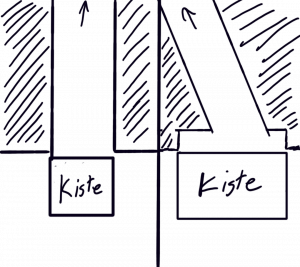
Both exits of the level are blocked with a crate.
The crate cannot be moved left or right due to level restrictions/walls.
Problem: The crates can only be moved forward. But this leaves the exit blocked.
Solution :
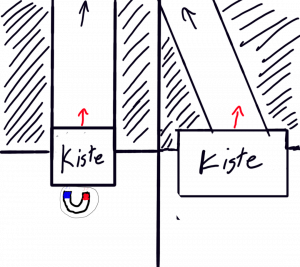
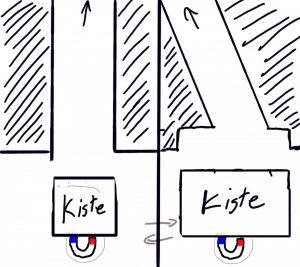
If the player pushes both crates forward, he finds an object under the left crate that allows to pull the crates magnetically to his position
(magnet). With the „Swap“ function key Q he can also use the object in the other world.
in the other world.
The entrance is free.
SUCCESS!
Puzzle 2
Difficulty: Complex
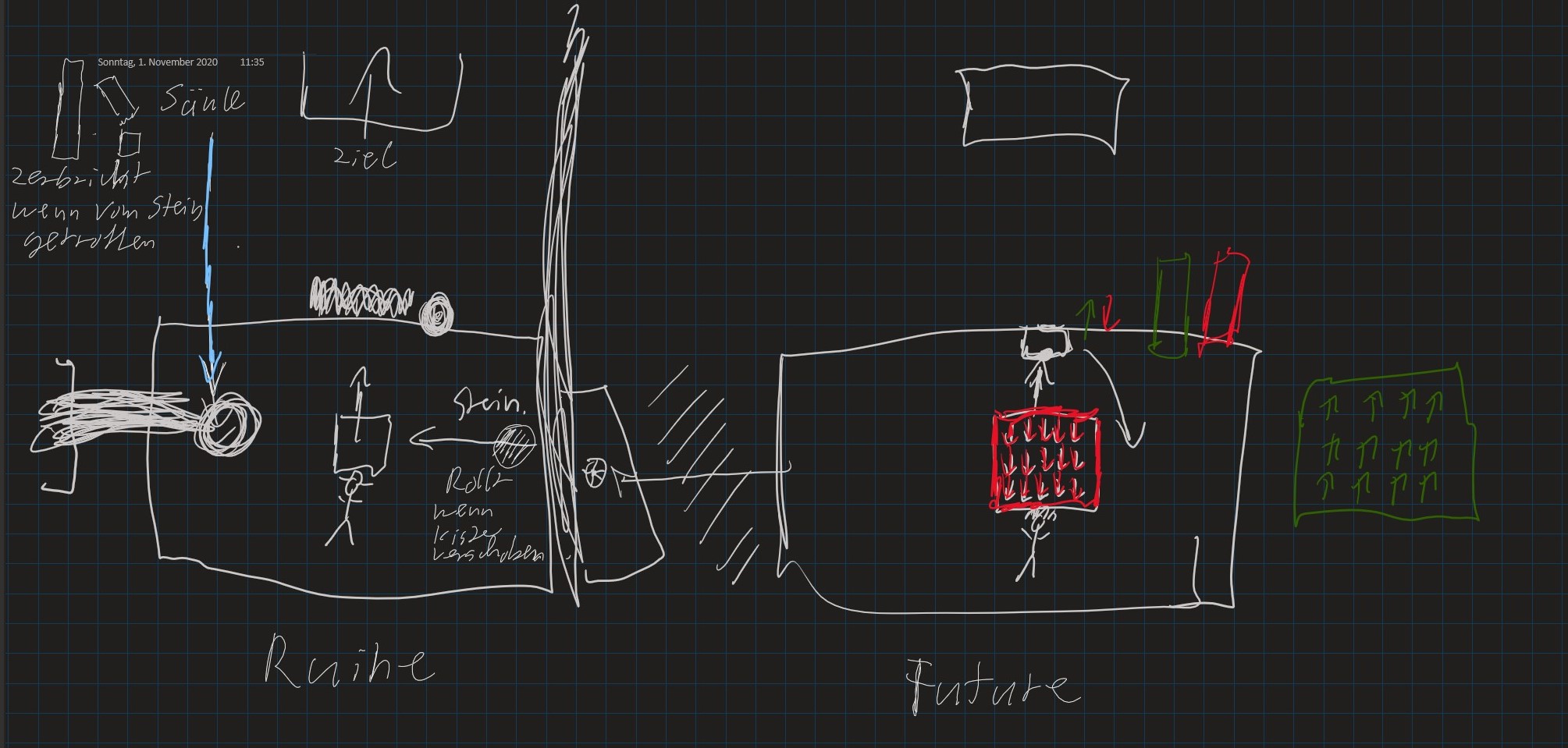
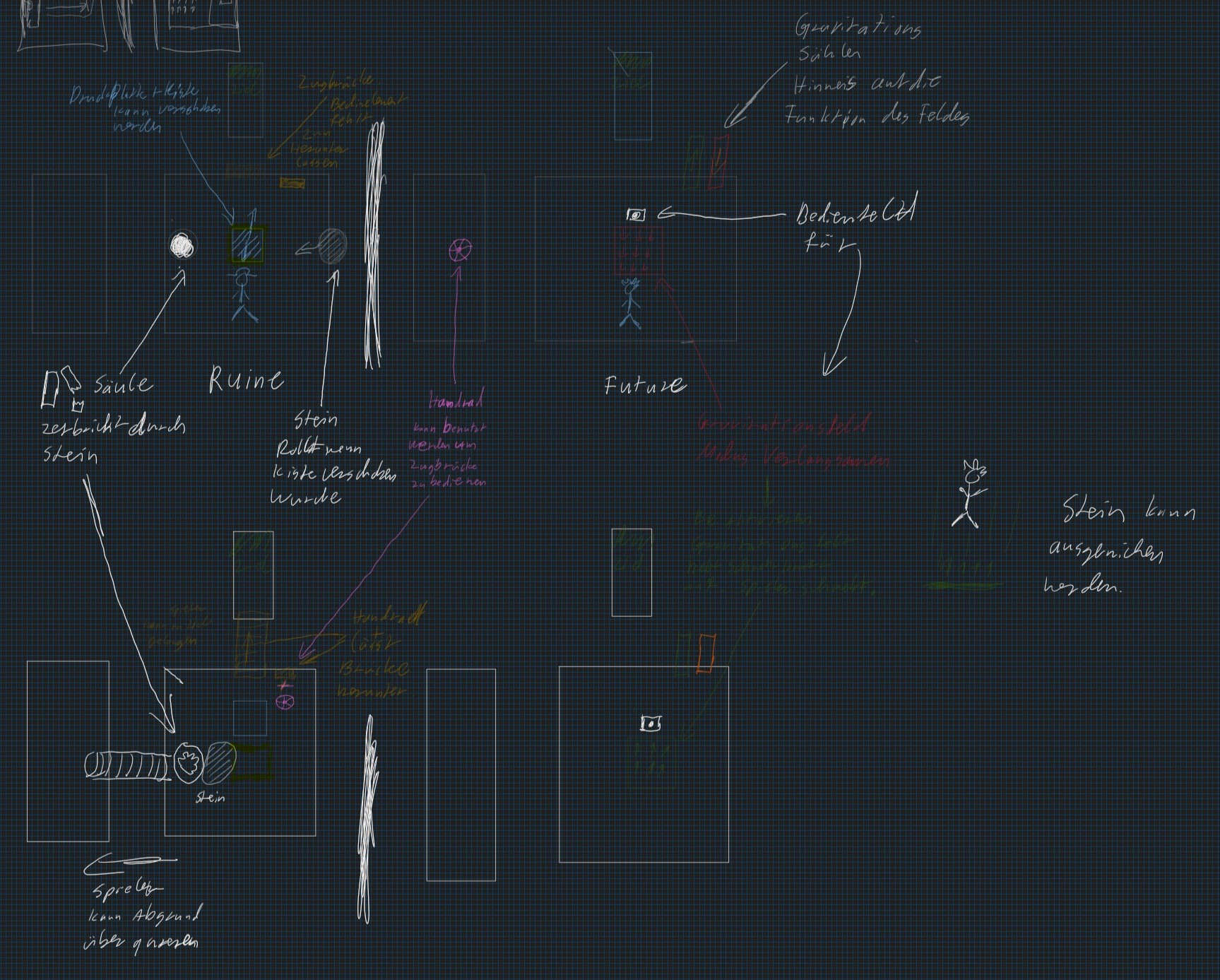
Problem 1: To reach the exit of the level, you need to cross a chasm.
Solution 1: To achieve this, there is a drawbridge on the temple.
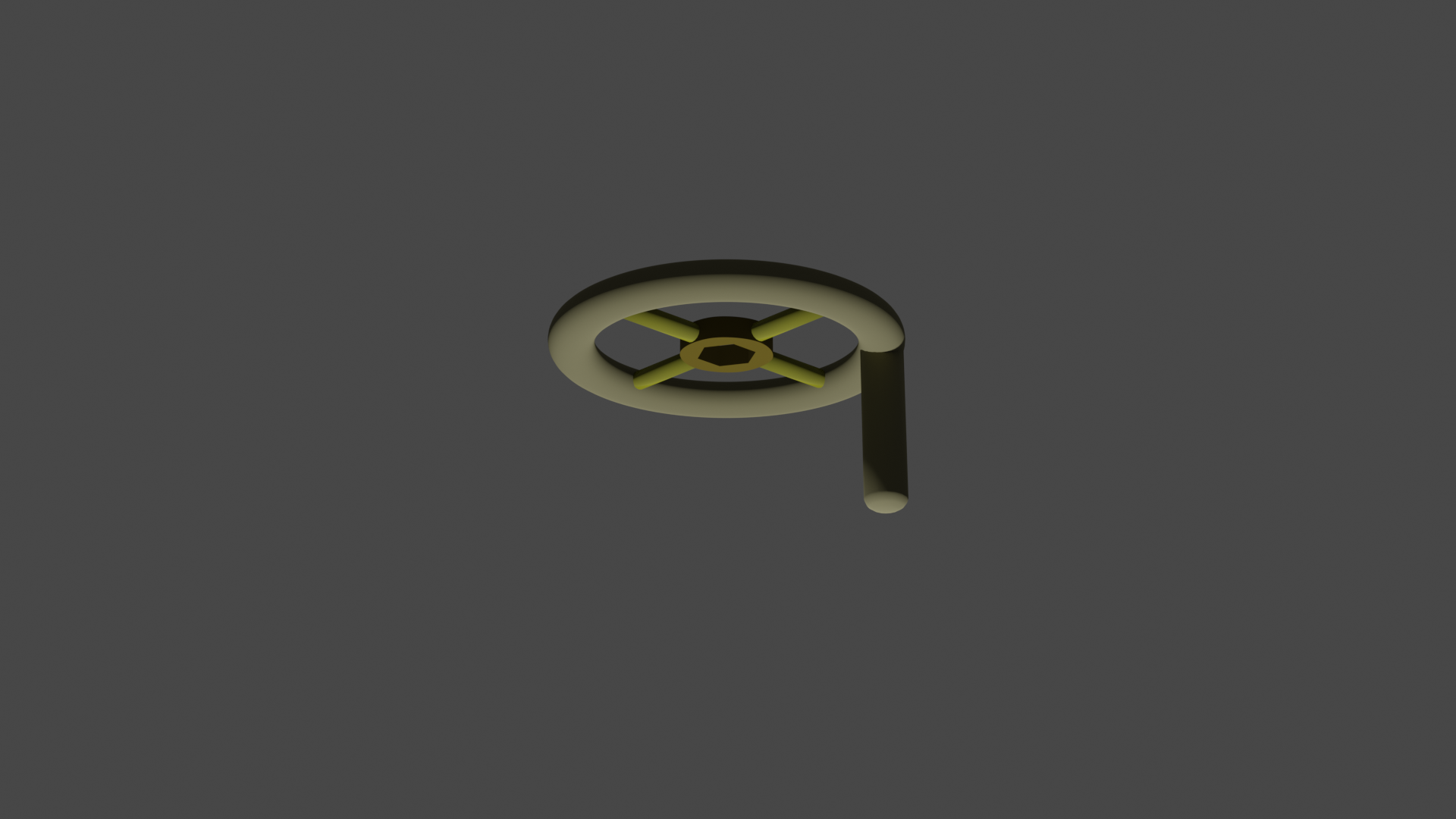
Problem 2: The drawbridge can only be lowered with the help of a handwheel, which is not in place.
Solution 2: The handwheel is on the laboratory side.
Problem 3: However, the handwheel is unreachable due to an abyss.
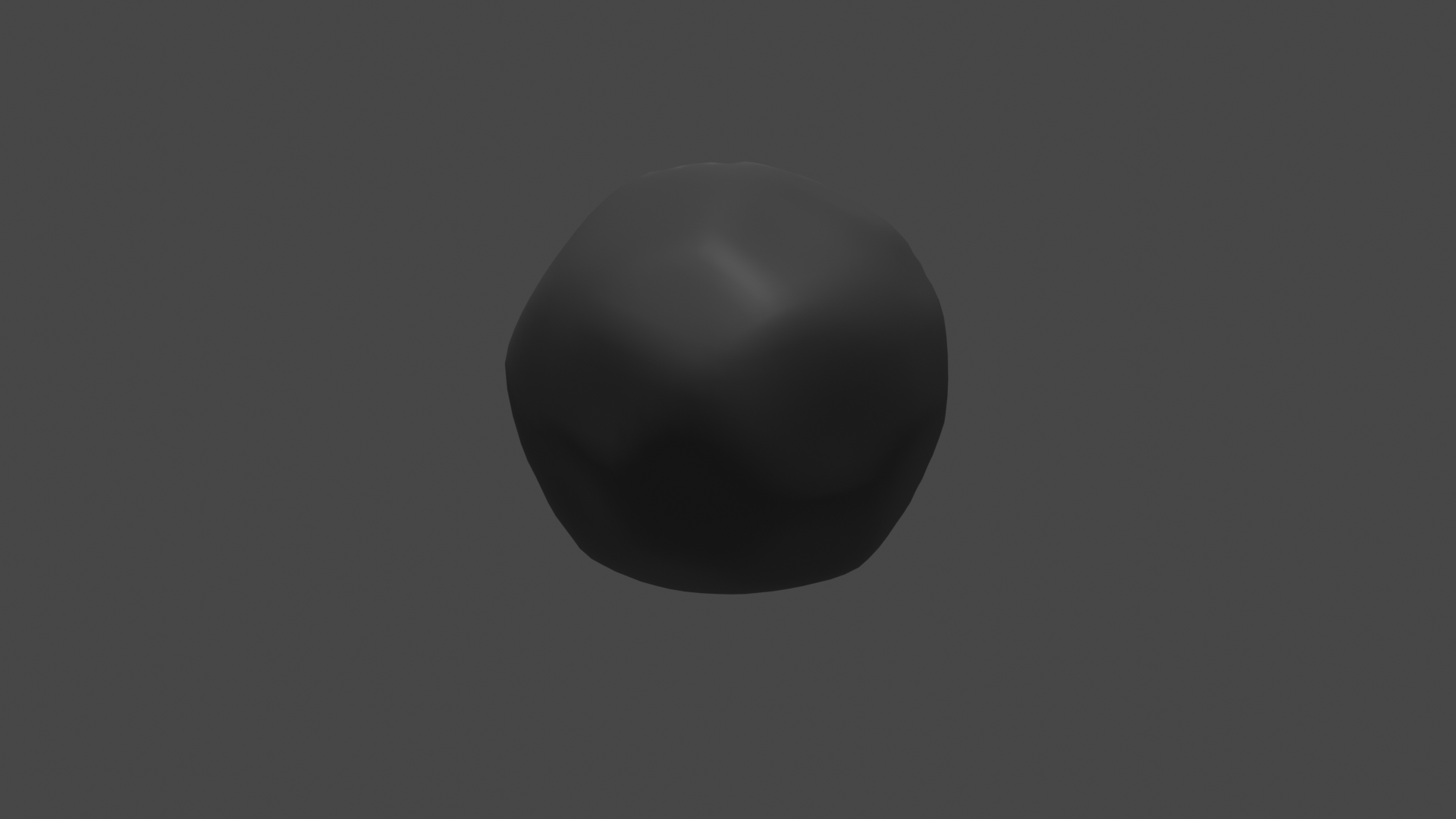
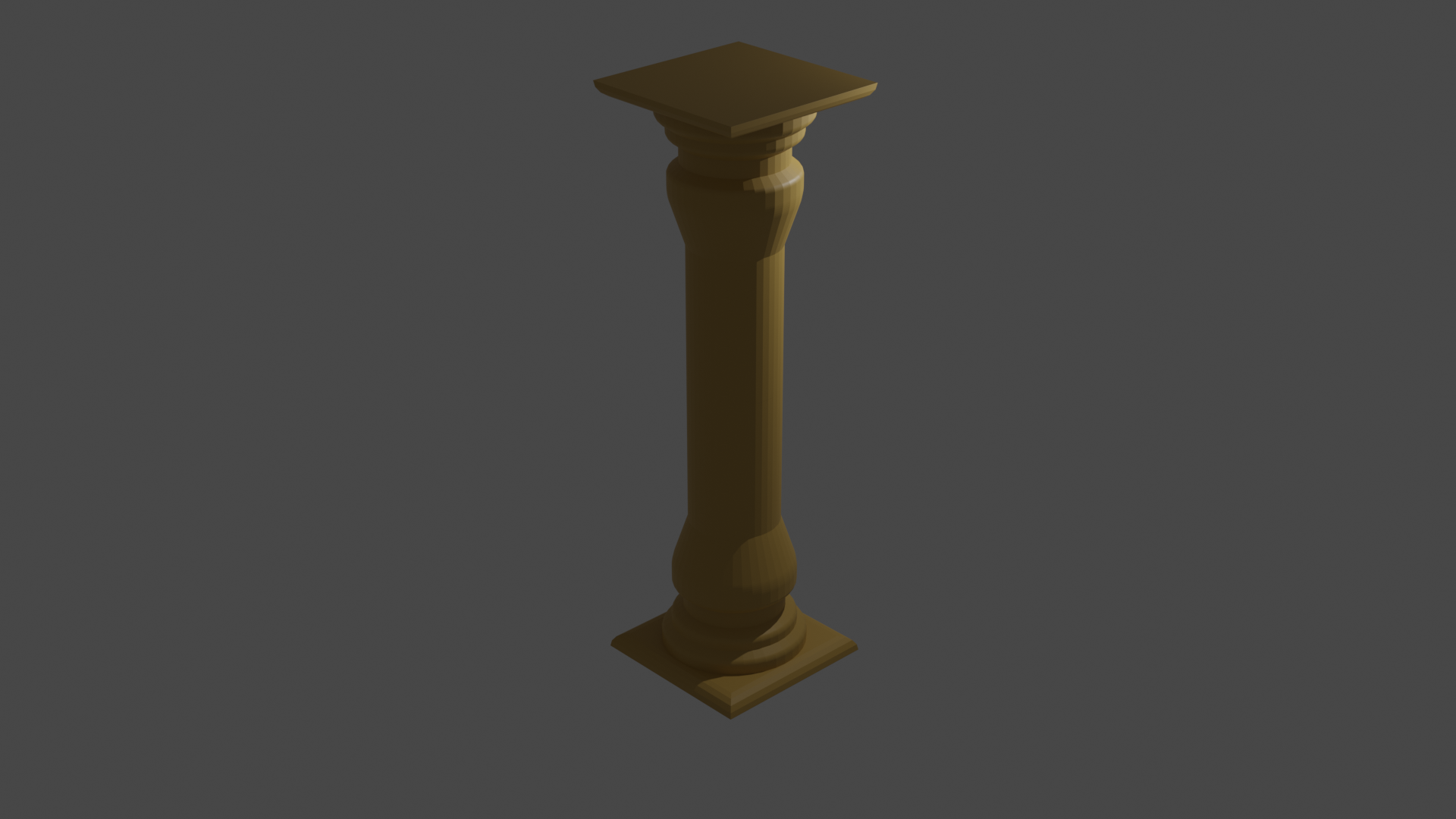
Solution 3: On the temple side there is a crate on a pressure plate. If the player pushes the crate off the pressure plate, a stone starts rolling. If it hits the column, it causes it to topple. Using the „both must stand“ mechanic, the player can now use the fallen column as a bridge to get across the chasm and reach the handwheel.
Problem 4: The player stands in the path of the stone and is run over by it. Due to the gravitational field on the lab side, he is too slow to run away from the stone.
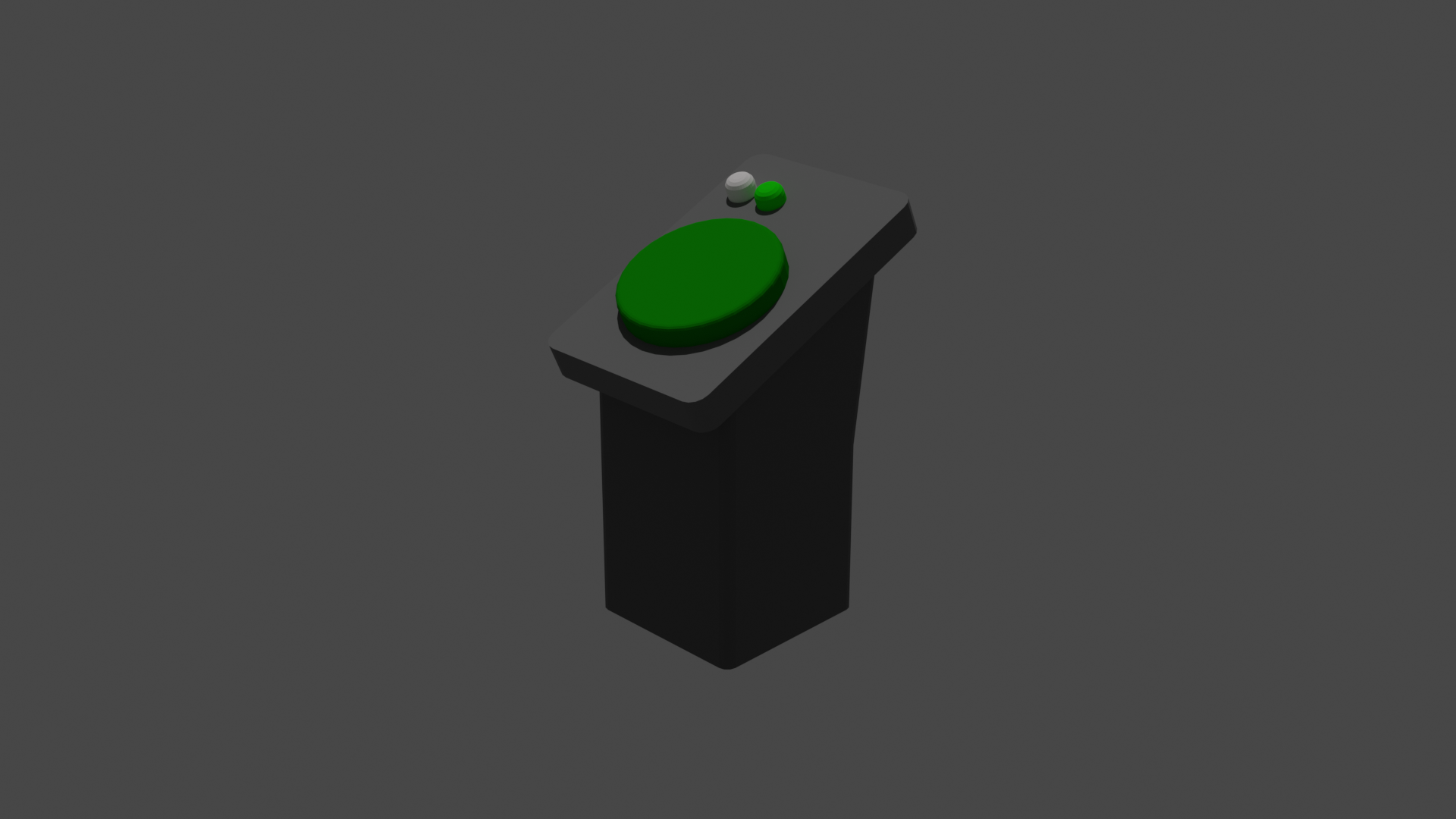
Solution 4: There is a control panel on the lab side that can be used to switch the gravity field to weightless. If the player activates this after pushing the box off the pressure plate, both characters float in the air for a few seconds thanks to the „2 are 1“ mechanic, allowing the stone to roll under them.
The way to the handwheel is now clear.
Problem 5: The wheel is in the wrong world.
Solution 5: Using the „Swap“ mechanic, the characters are swapped into each other’s worlds, and the character with the wheel is now in the right world, where he can lower the drawbridge.
Thanks to the „Both Must Stand“ mechanic, the chasm can now be crossed on either side.
SUCCESS!
Puzzle 3
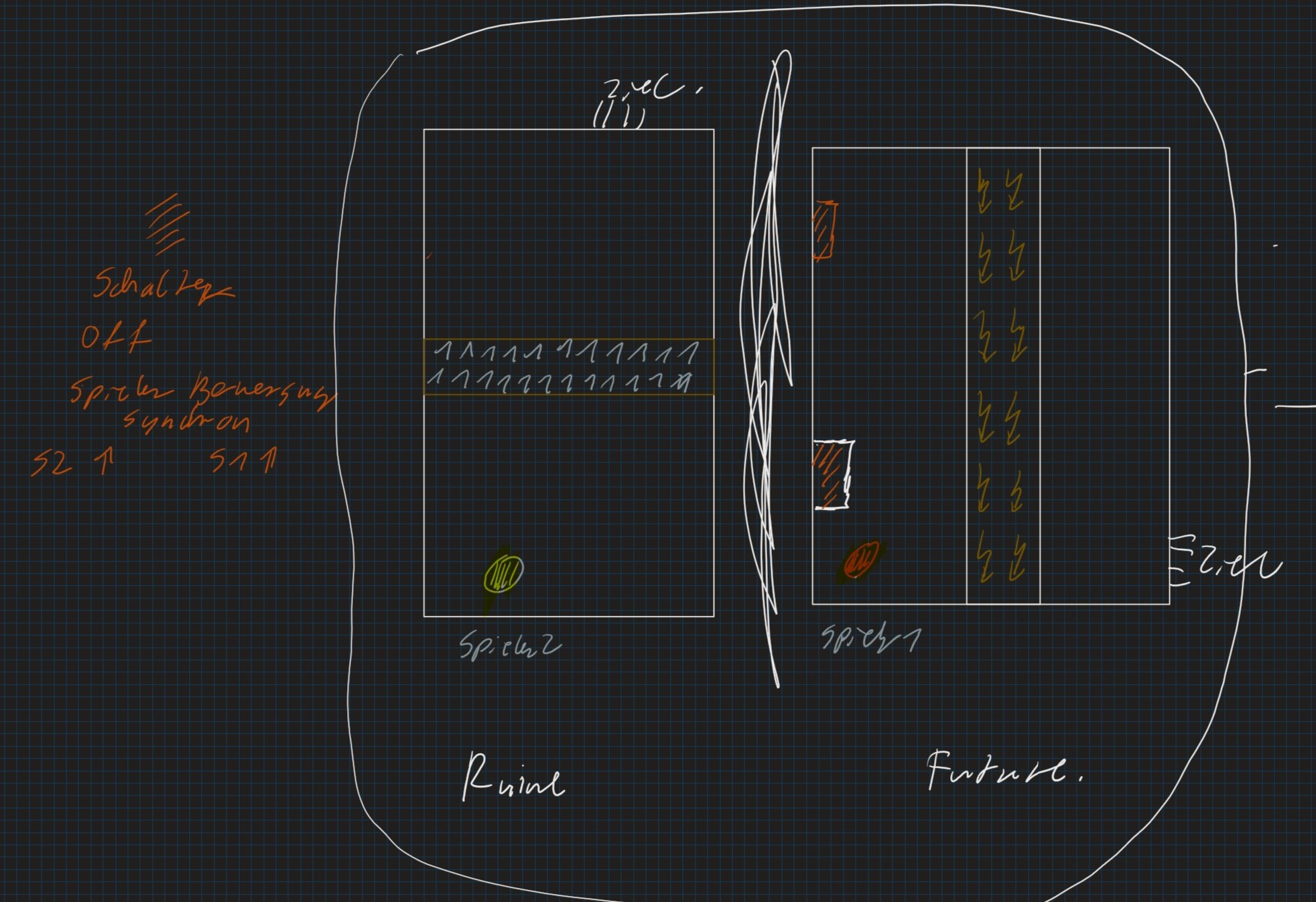
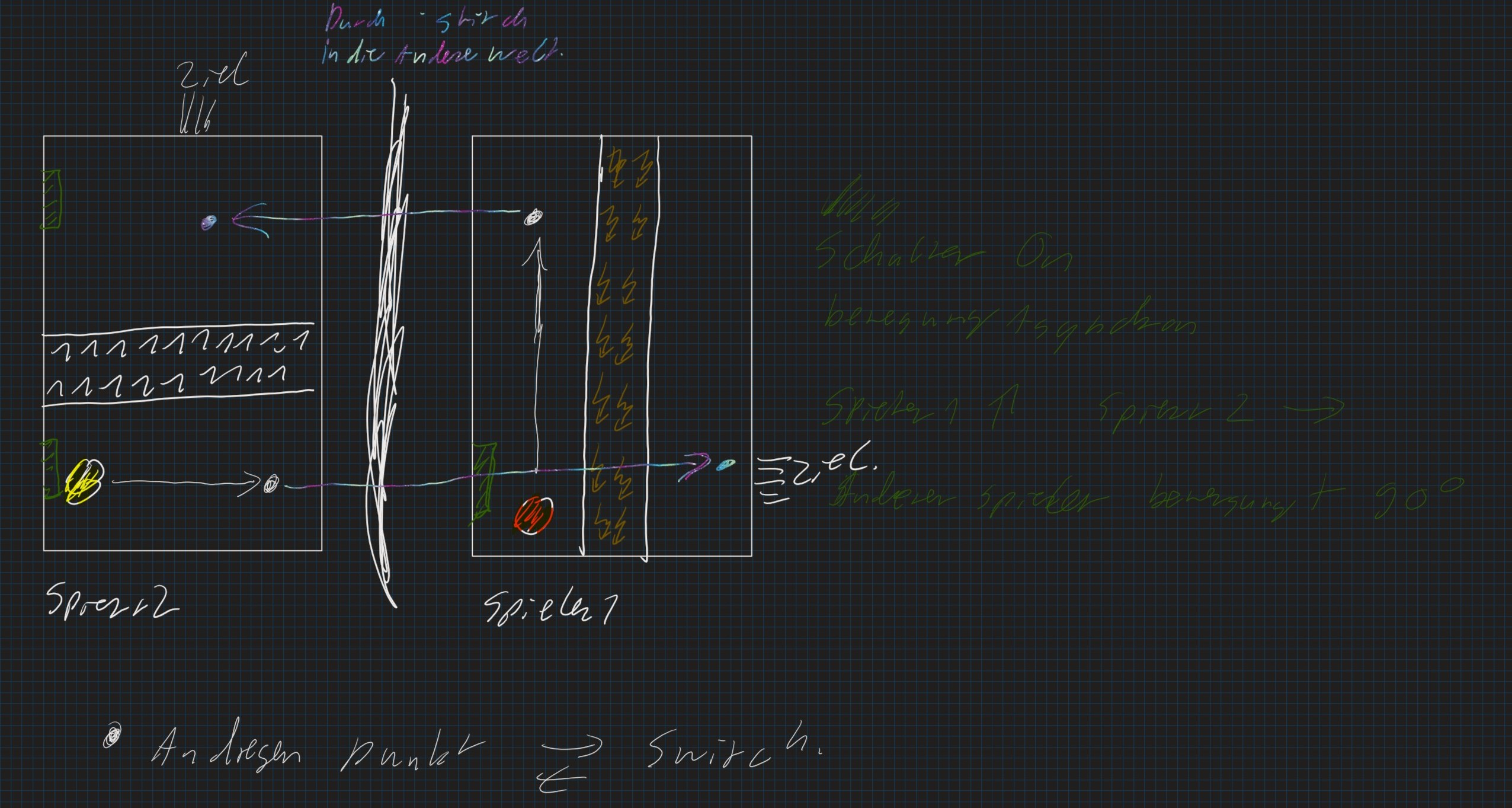
The goal is to reach the exit.
Problem: On the temple side, a spike trap in the middle of the platform is blocking the way
to the goal. On the lab side, an electrically charged field blocks the way to the target. Also, both targets are not at mirrored coordinates.
Solution: A switch changes the movement pattern. The player who activates it now moves in + 90 degree direction. If one activates the switch with a player and
swap the worlds with the „Swap“ mechanic, the player on one side moves to the right, while the player on the other side moves straight ahead.
moves.
If you move both characters far enough and again use the „swap“ mechanic, both obstacles have now been overcome. Now all you have to do is reverse the movement change with the help of a switch and you’re ready to leave the level.
SUCCESS!
Assets
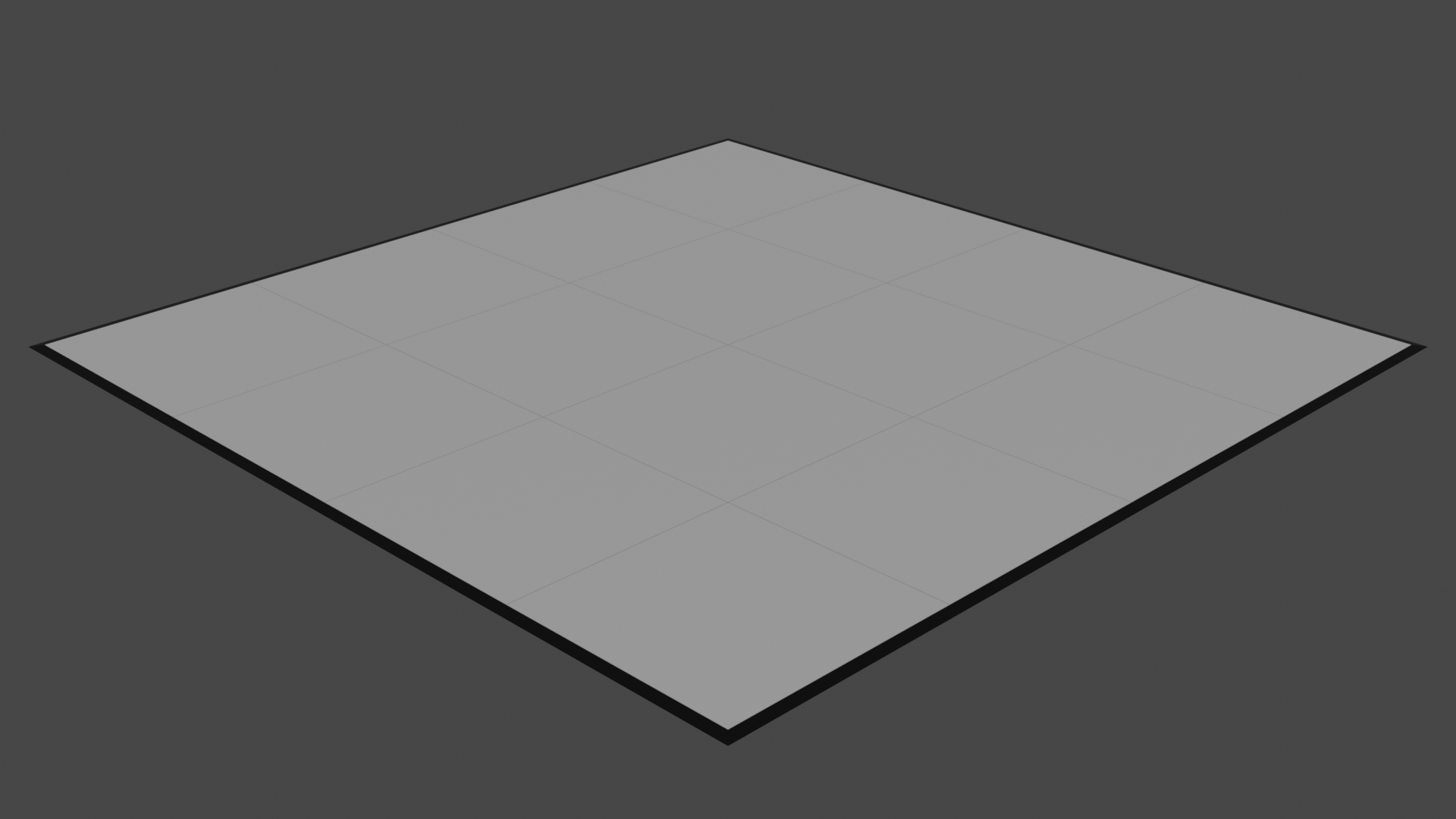
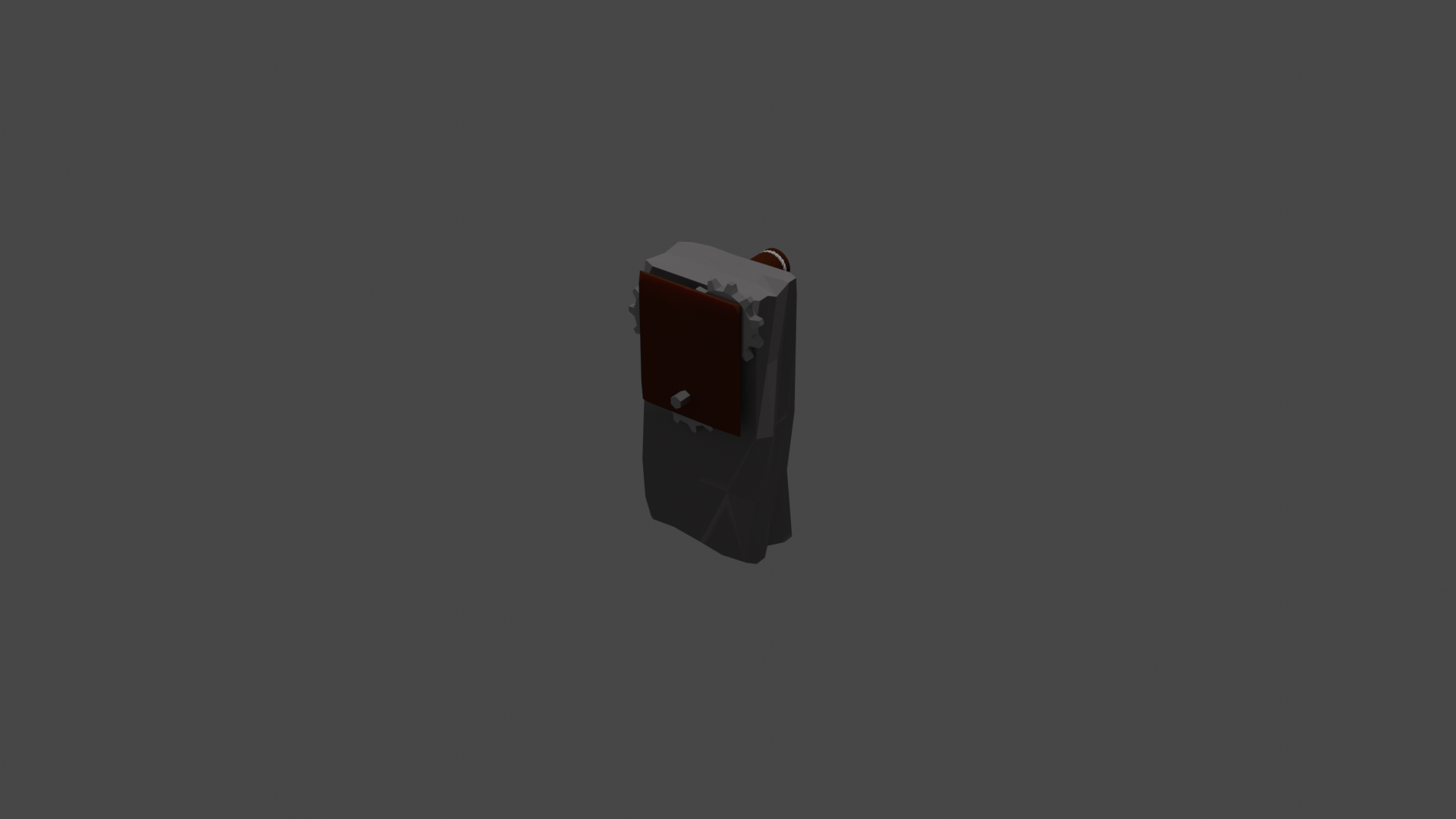
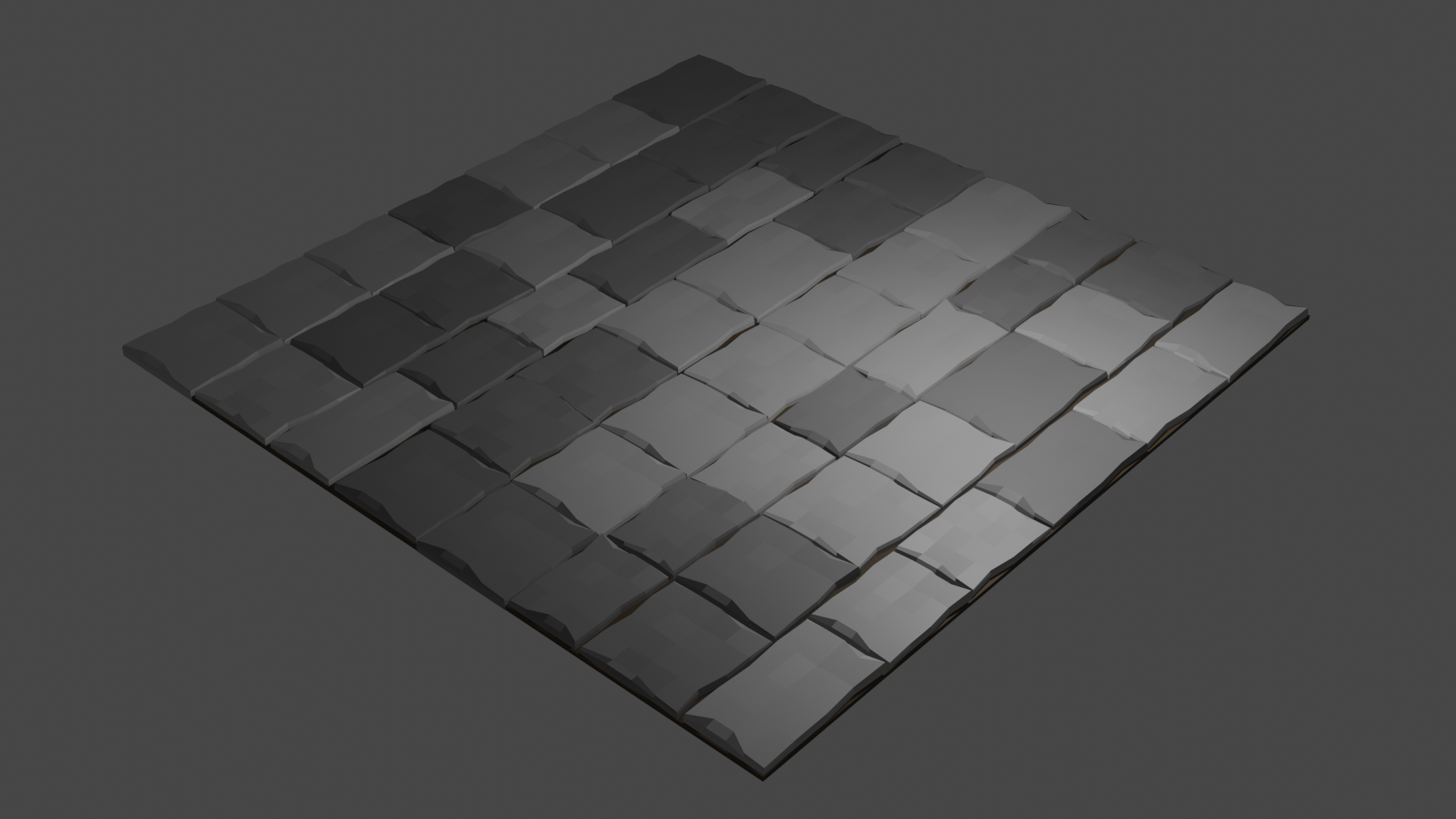
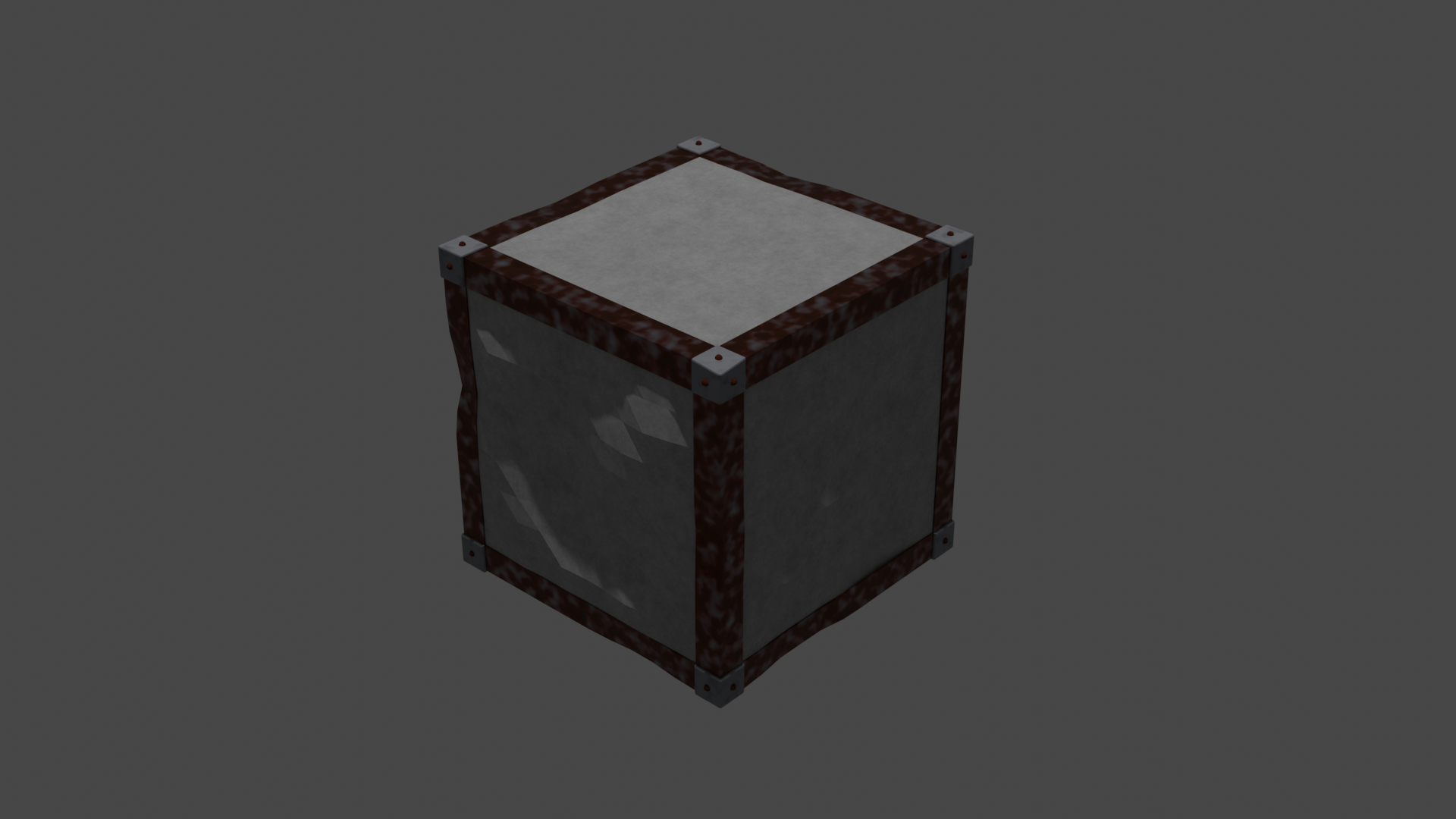
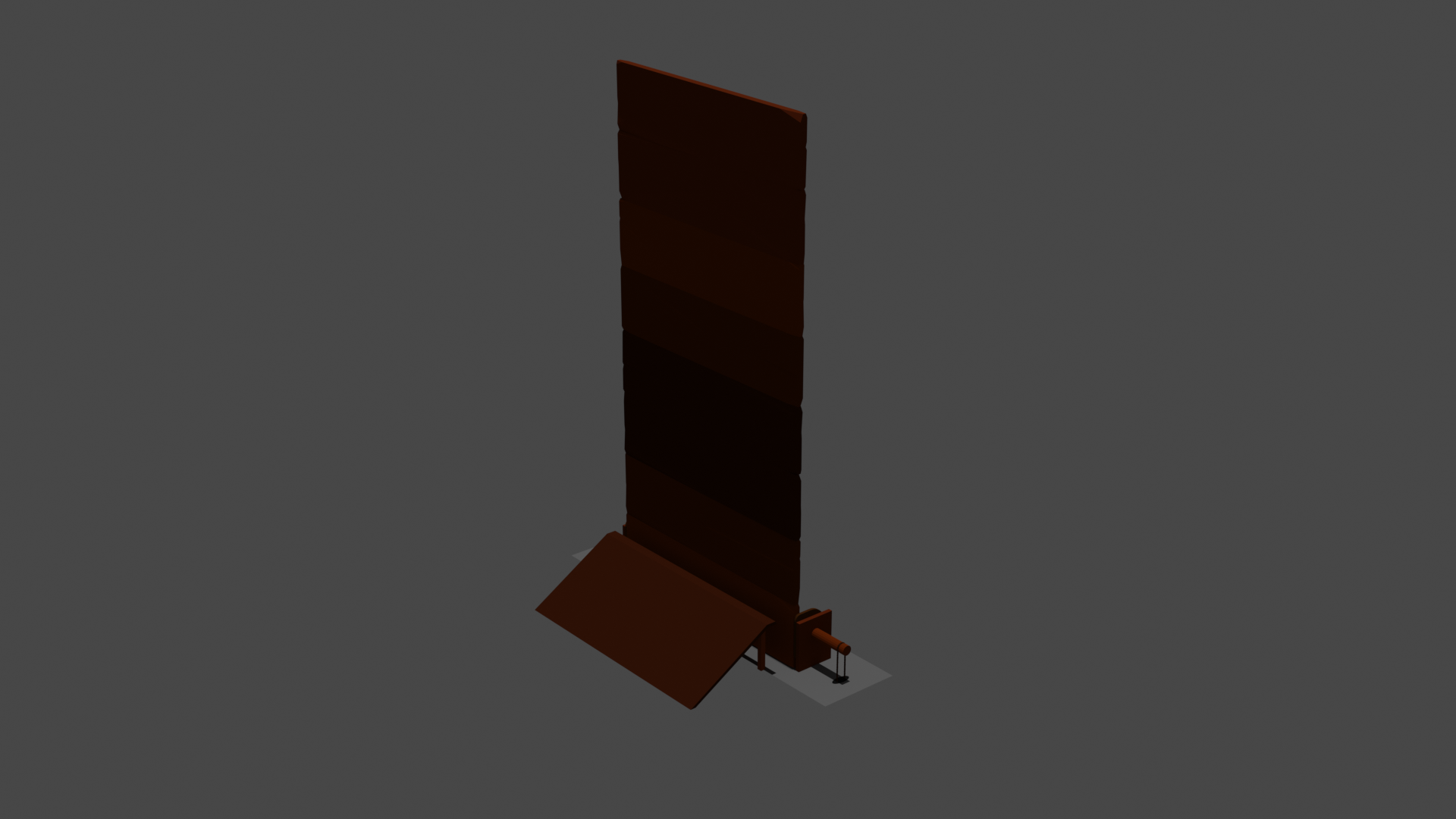
All assets have been created with Blender.
World 1 - Future
World 2 - Ruin
Character Design
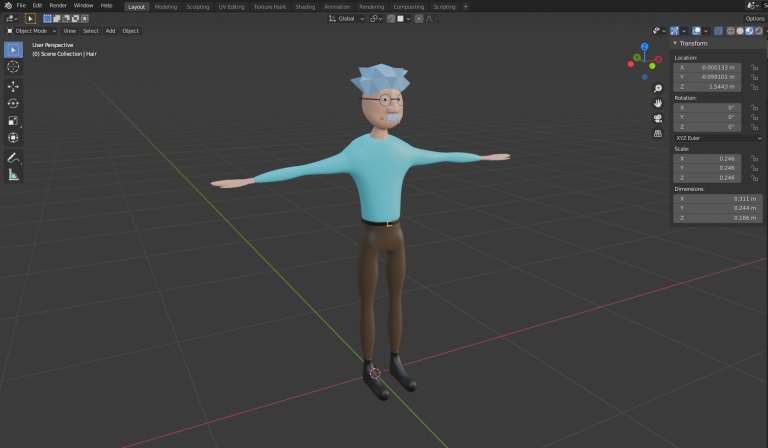
Professor Split
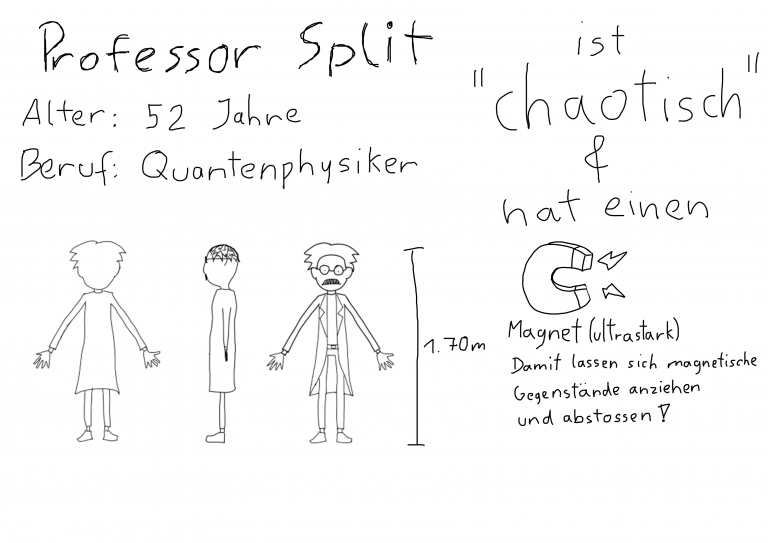
Professor Split ist ein genialer Physiker, der fest an die Theorien des Multiversums glaubt. Weil er unbedingt
beweisen möchte, dass seine Theorie kein Hirngespinst ist, führt er ein gewagtes Experiment an sich selbst
durch um Kontakt mit einem alternativen Universum herzustellen. Doch das Experiment geht mächtig schief
und Professor Split verschmilzt mit seiner Selbst aus einem anderen Universum.
Der Physiker Split besitzt einen sehr starken Magnet, mit dem er magnetische Dinge zu sich heranziehen
oder von sich wegstoßen kann. Zudem besitzt er die Fähigkeit kaputte Gegenstände zu reparieren.
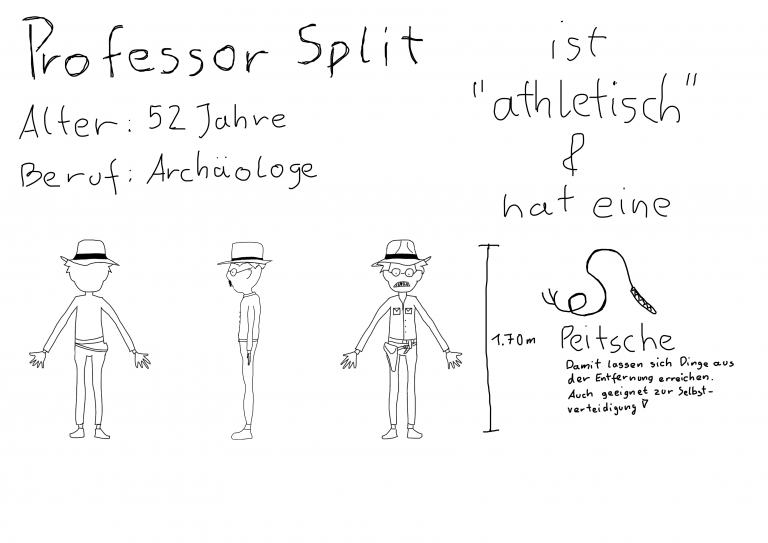
Sein alternatives Ich, ebenfalls Professor Split ist ein renommierter Abenteurer und Archäologe, der in dem
Moment des misslungenen Experiments gerade eine Expedition in die Tiefen eines uralten Tempels durchführt.
Während der Physiker Split mit seinem messerscharfen Verstand nahezu alles reparieren kann, versteht
sich Abenteurer Split eher als der Mann fürs Grobe. Mit seinen starken Armen lassen sich auch schwere
Gegenstände aus dem Weg schieben. Außerdem besitzt er eine Peitsche, mit dieser kann er weit entfernte
Dinge erreichen, sich festhalten, oder sich Feinde vom Leib halten.
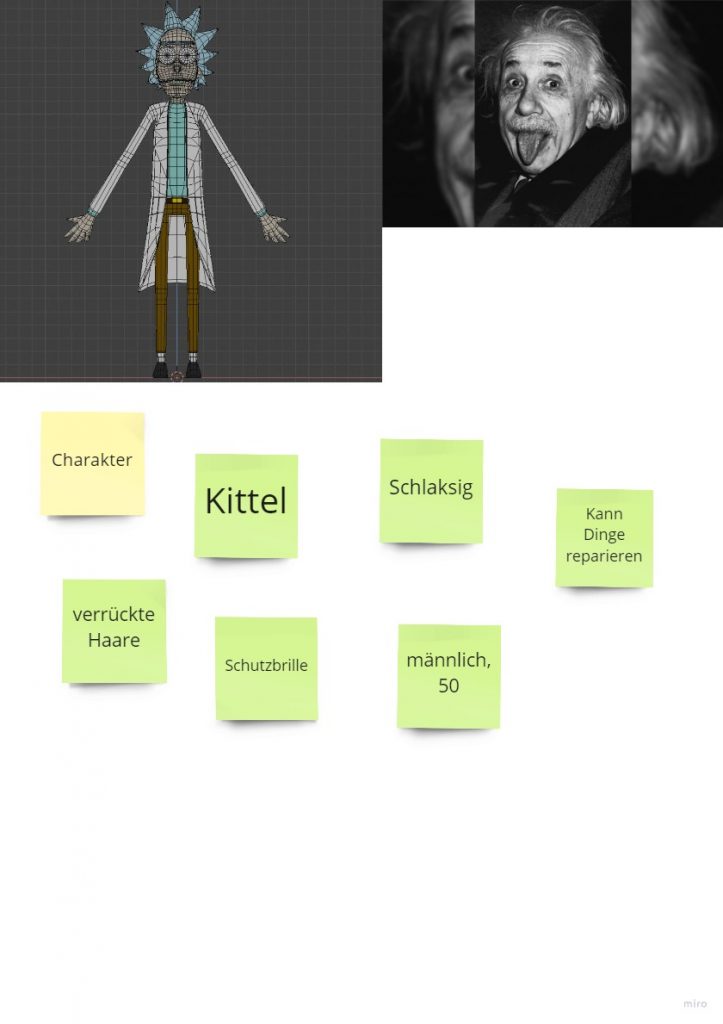
Physicist Split
Professor Split is a genius physicist who firmly believes in the theories of the multiverse. Because he is determined to prove that his theory is not a fantasy, he conducts a daring experiment on himself to establish contact with an alternative universe. But the experiment goes wrong and Professor Split merges with his self from another universe.
The physicist Split possesses a very strong magnet with which he can pull magnetic things towards him or push them away from him. He also has the ability to repair broken objects.
His alternate self, also Professor Split is a renowned adventurer and archaeologist, who at the moment of the failed experiment, was conducting an expedition into the depths of an ancient temple.
While physicist Split can fix almost anything with his razor-sharp mind, adventurer
adventurer Split sees himself more as a man of action. With his strong arms, even heavy objects can be moved out of the way. He also has a whip, with which he can grab distant objects, hold on to ledges, or keep enemies at bay.
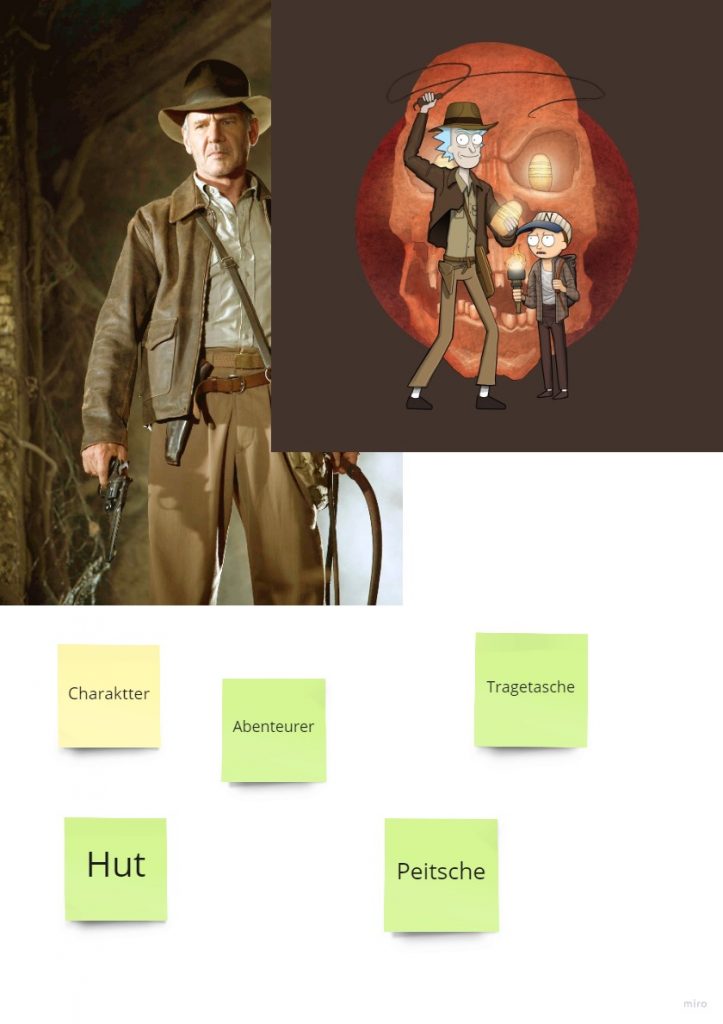
Archaeologist Split
Archaeologist Split is always ready for an adventure. For this purpose, he carries a tote bag, in which he can safely store found artifacts. He also carries a whip. He can usually be recognized from afar by his hat. He dresses rather légère and robust, because his clothes must be functional for him. He doesn’t care much for bright colors, as he doesn’t want to stand out.
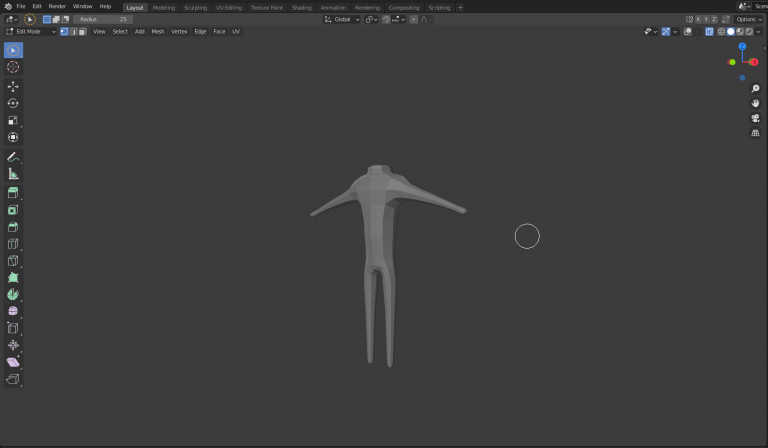
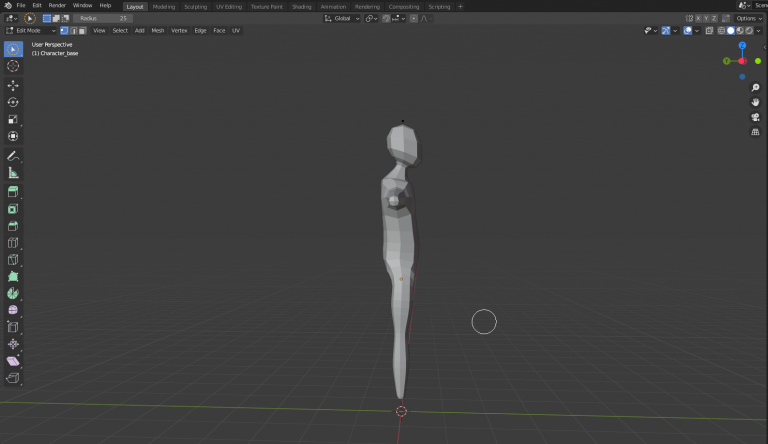
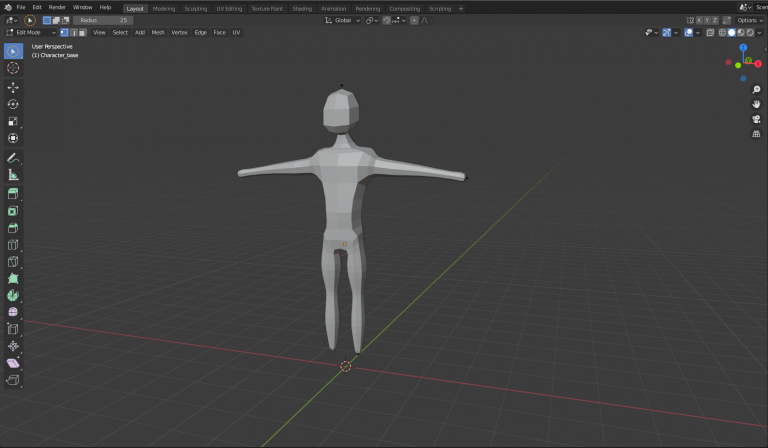
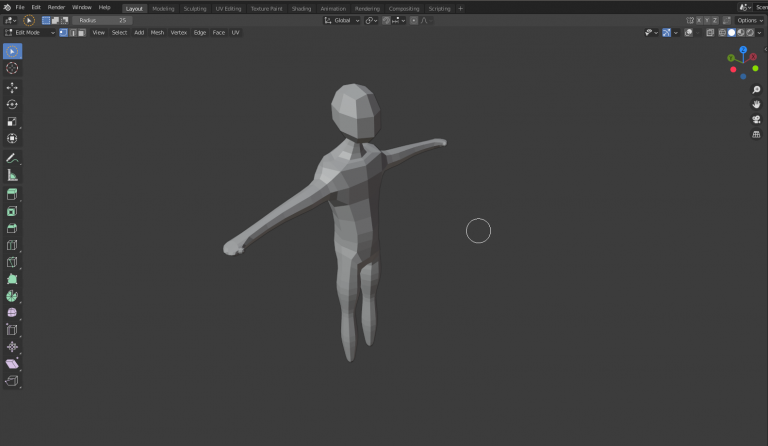
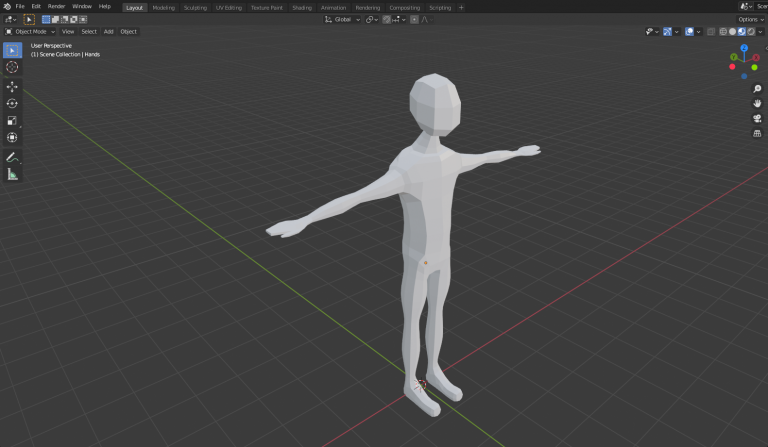
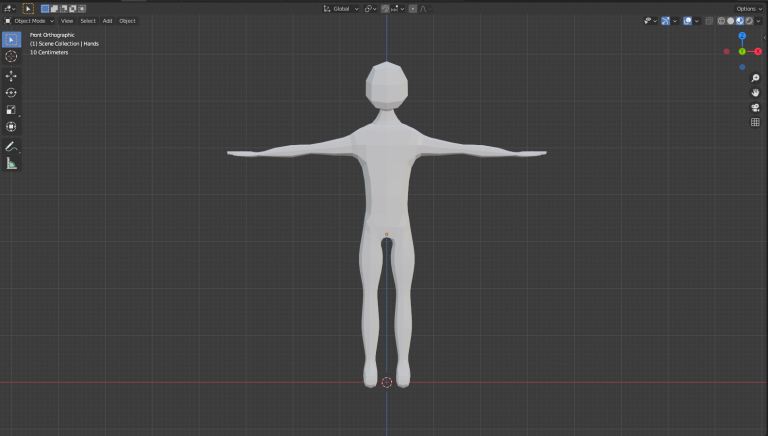
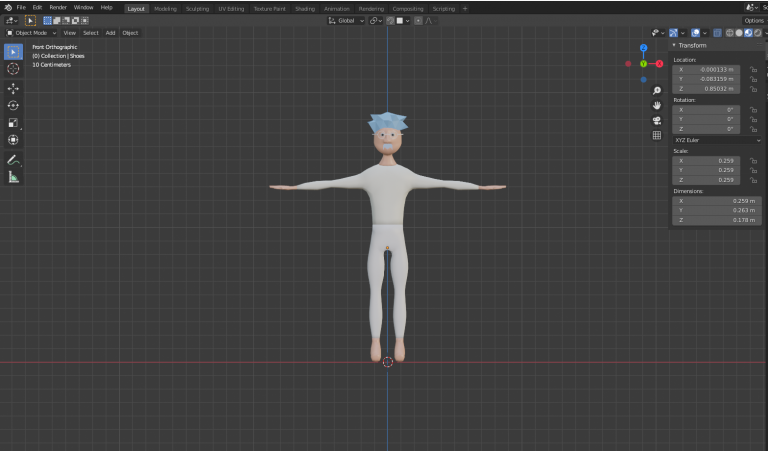
Development of character models
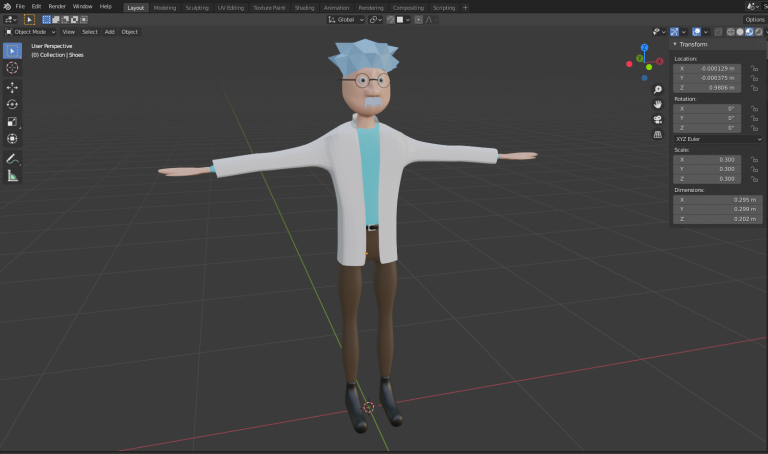
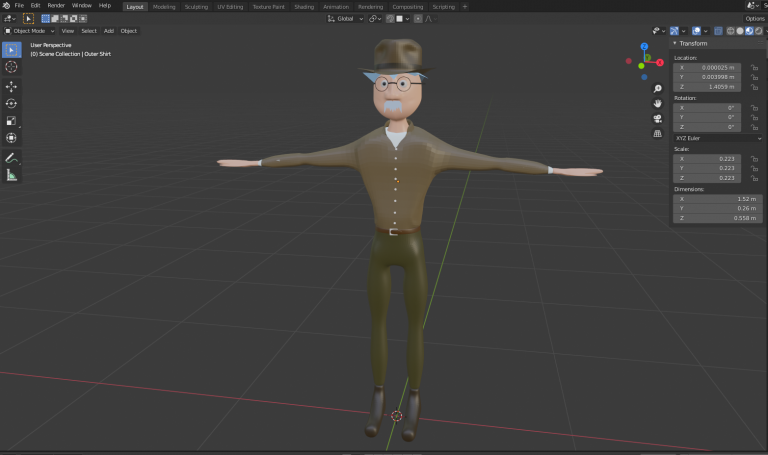
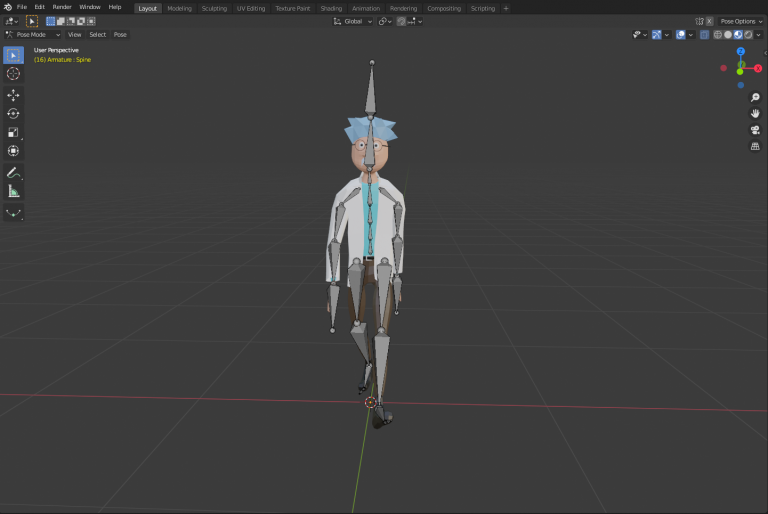
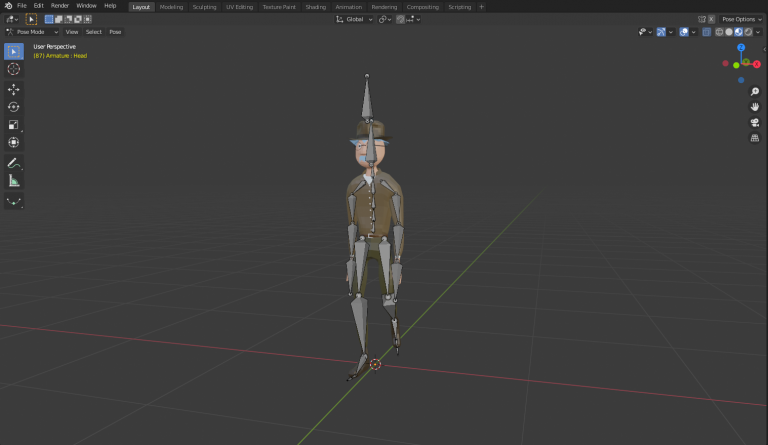
GUI
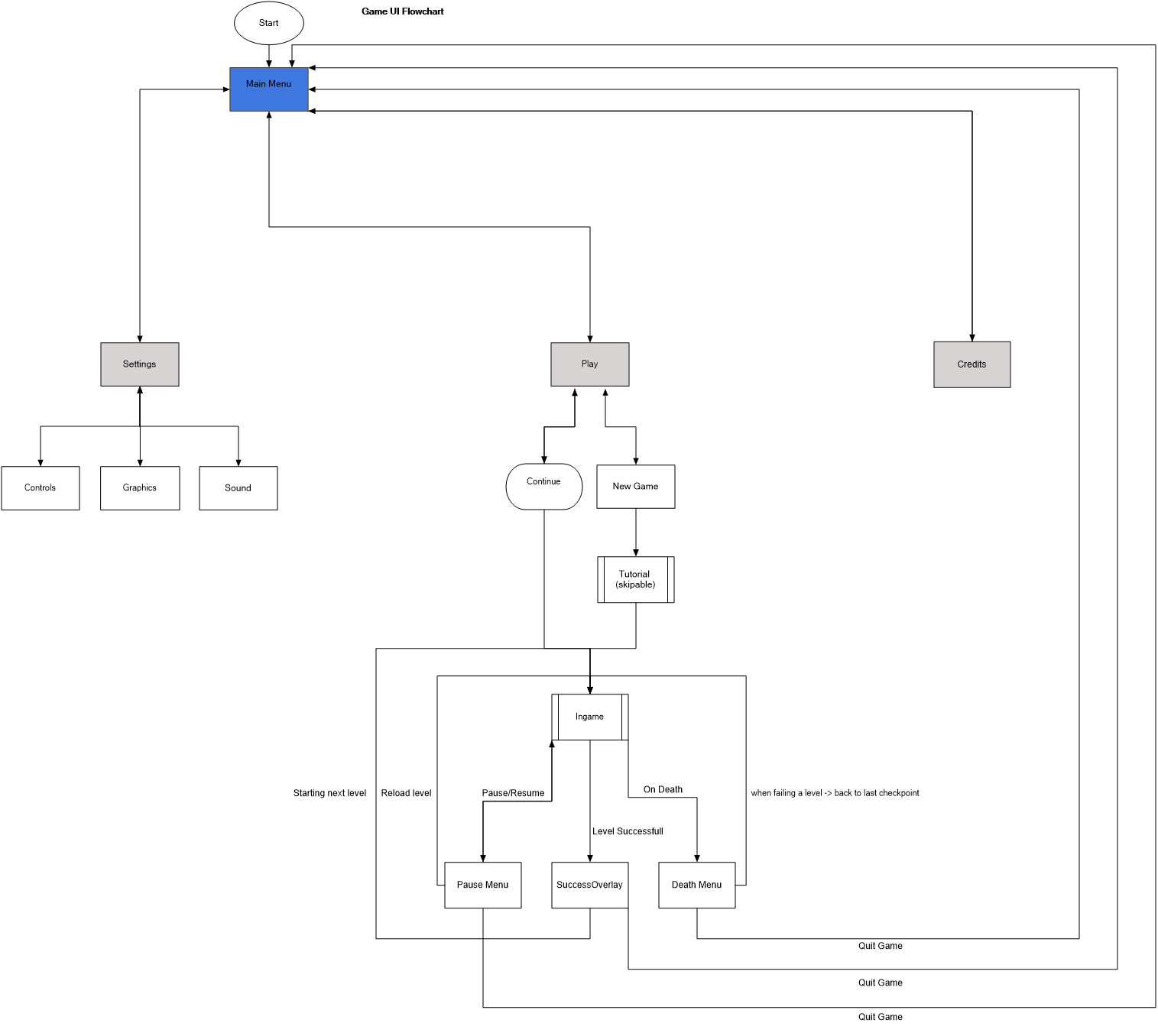
Main Menu
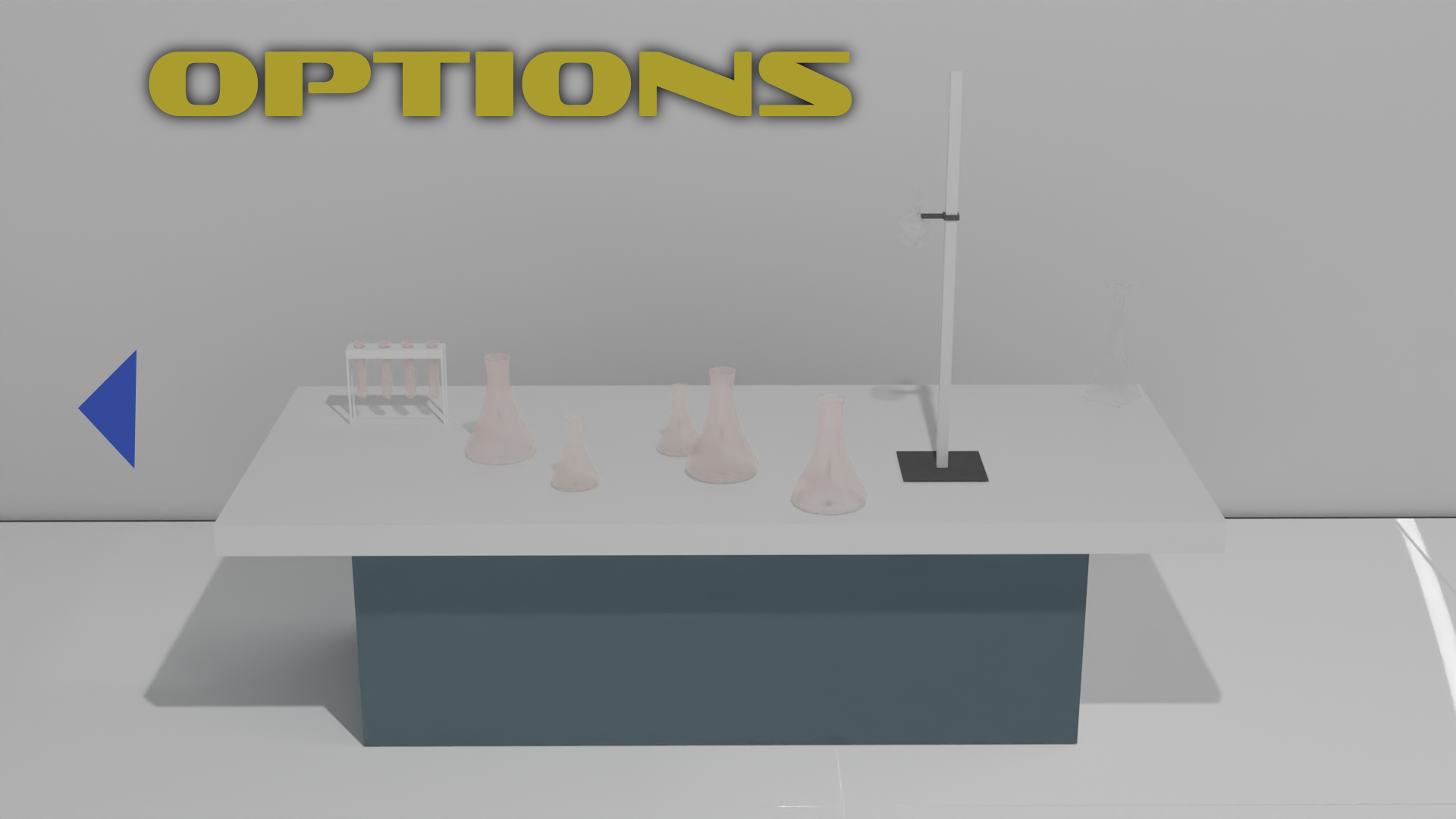
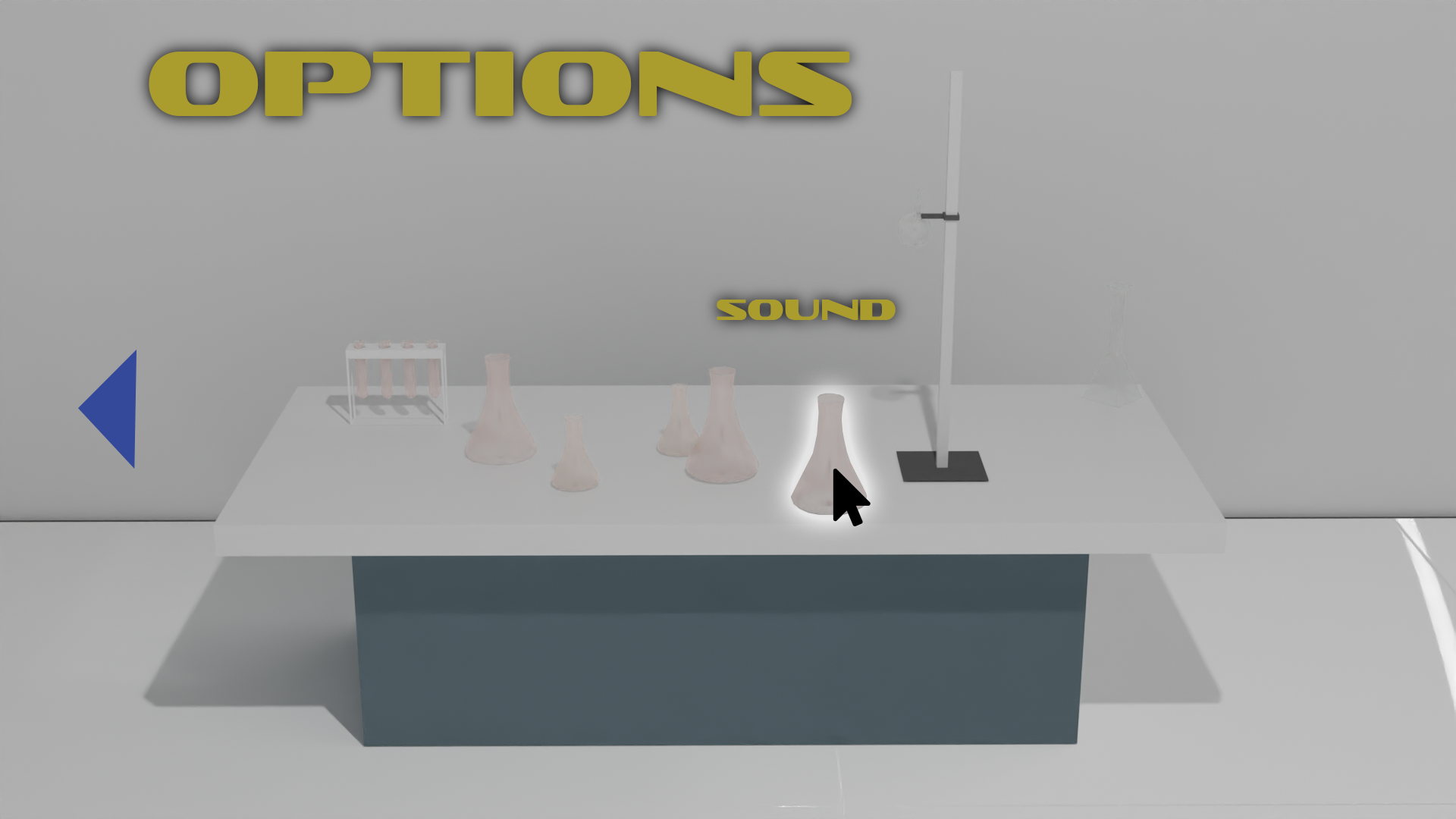
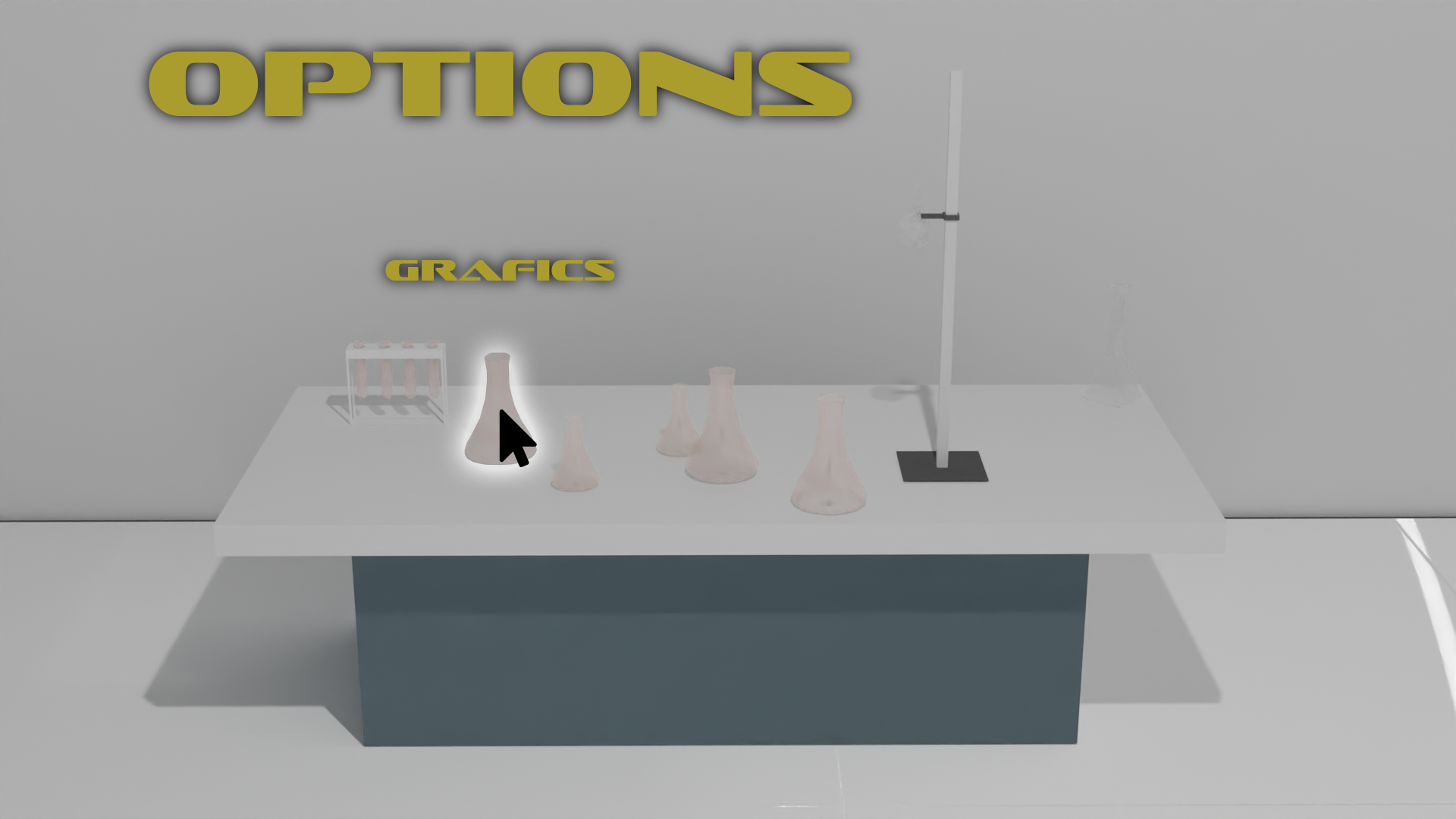
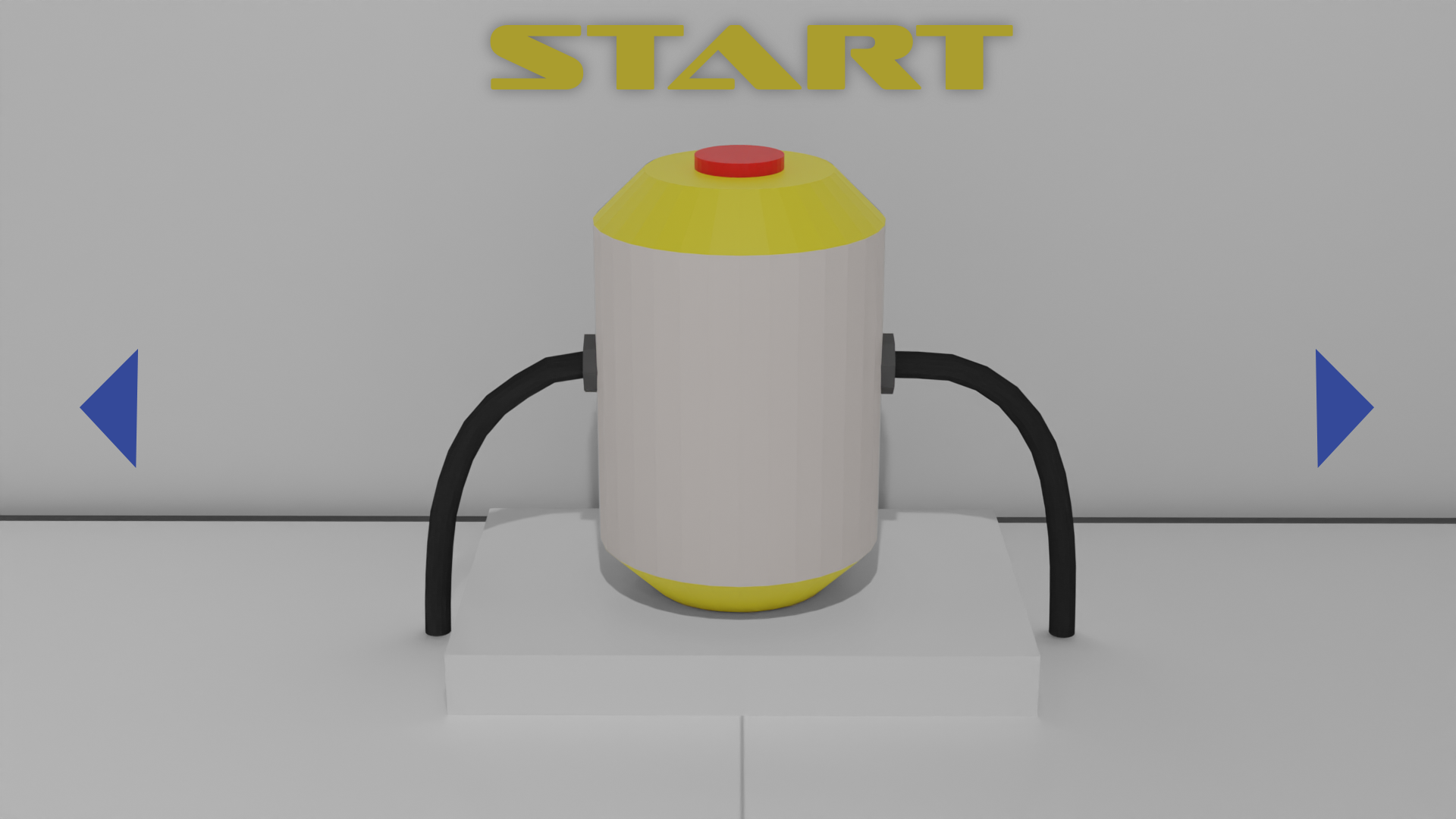
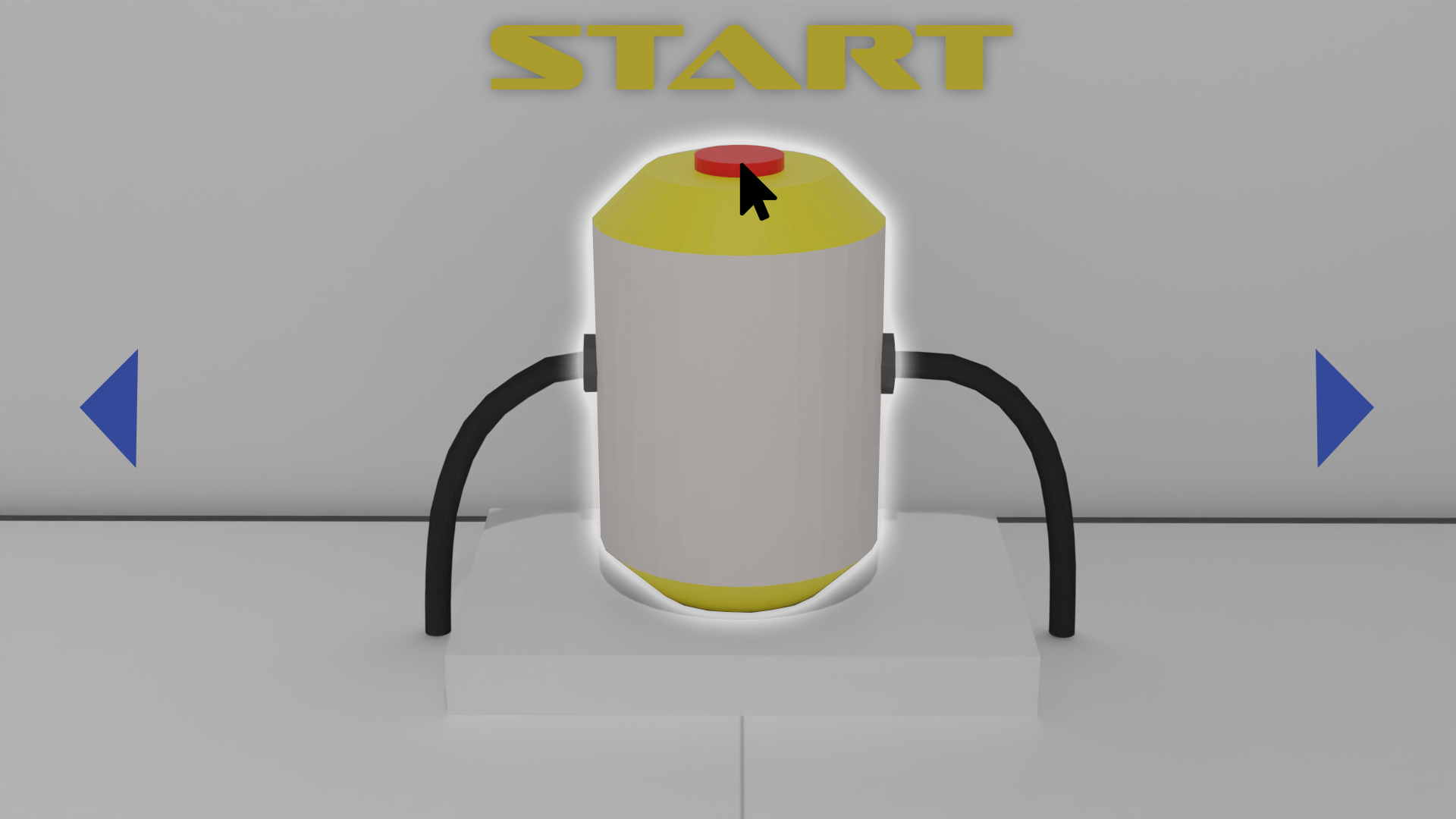
After starting the game, you find yourself in a laboratory, which you already know from one of the first cutscenes. It is the laboratory of our mad scientist.
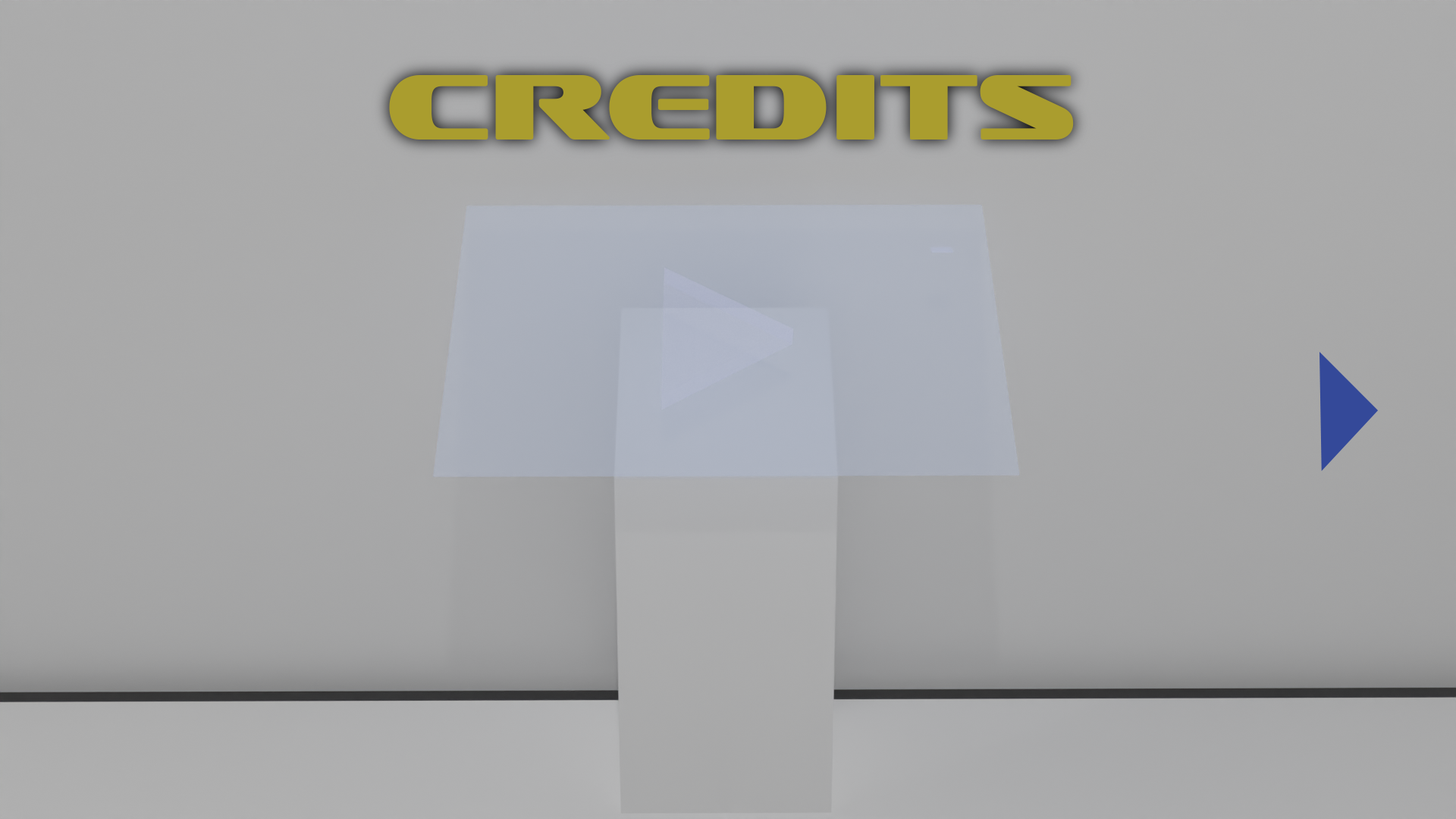
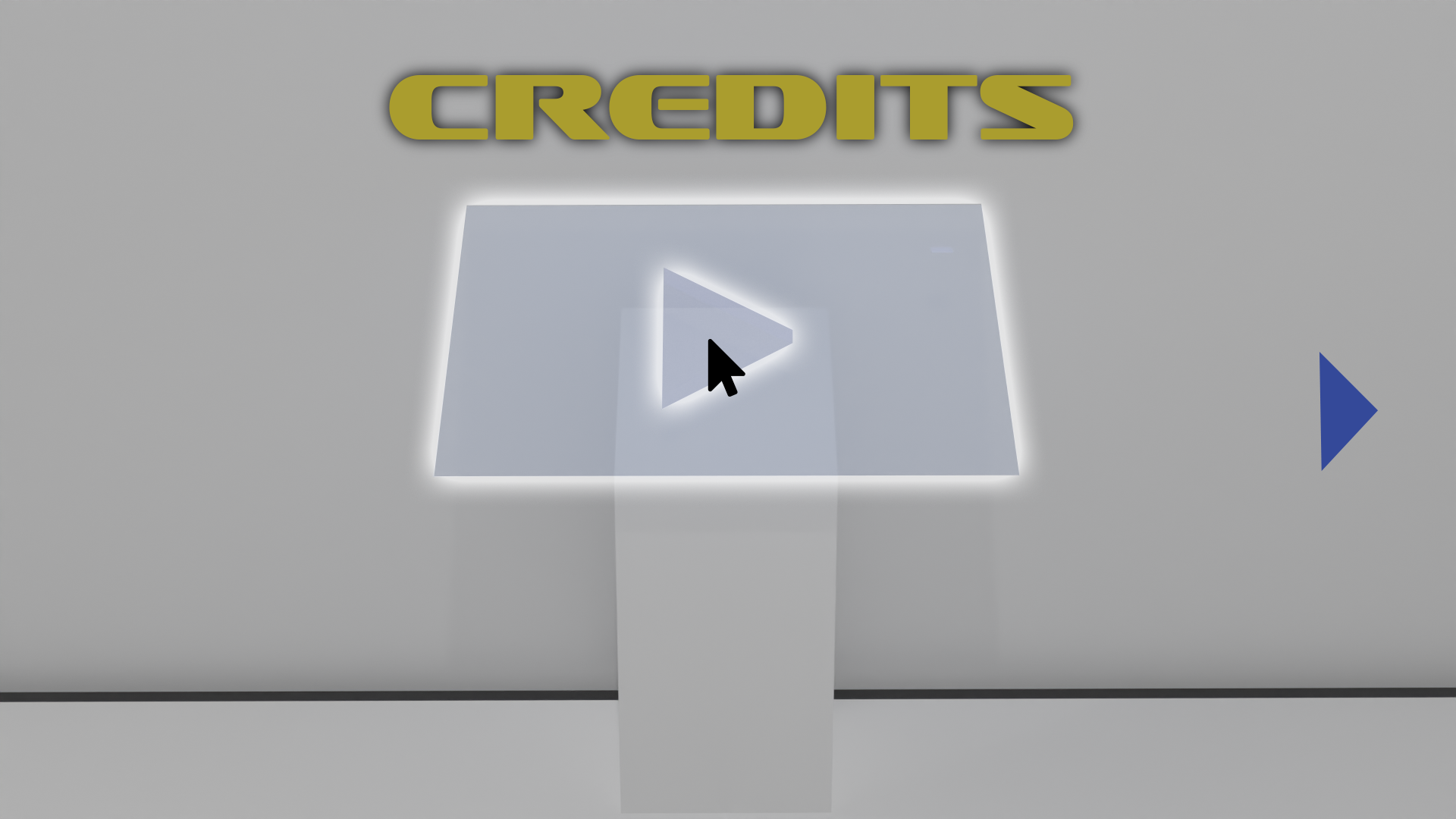
There are 3 camera perspectives, which together cover all options of the start menu.
The camera perspective is in third person. The game is controlled via keyboard and mouse on the PC.
Control via controller will also be supported.
1. start game
2. options
3. credits
The respective objects in the camera view are buttons at the same time. They are highlighted by a luminous border when hovering over them with the mouse pointer.
Switching between menu items is possible with the blue arrow keys. The camera then pans in the respective direction and to the next menu option.
What can be achieved by clicking the respective button is explained by a large headline.
It is displayed in the font „Sofachrome“, which gives it a retro – futuristic look. The yellow is based on the yelow of the experimental generator (aa9d2e) and the blue of the arrows is a complementary color of that (344999).
When the start button is pressed, the lab explodes, as in the start cutscene, and the game begins.
Pausen Menü Template
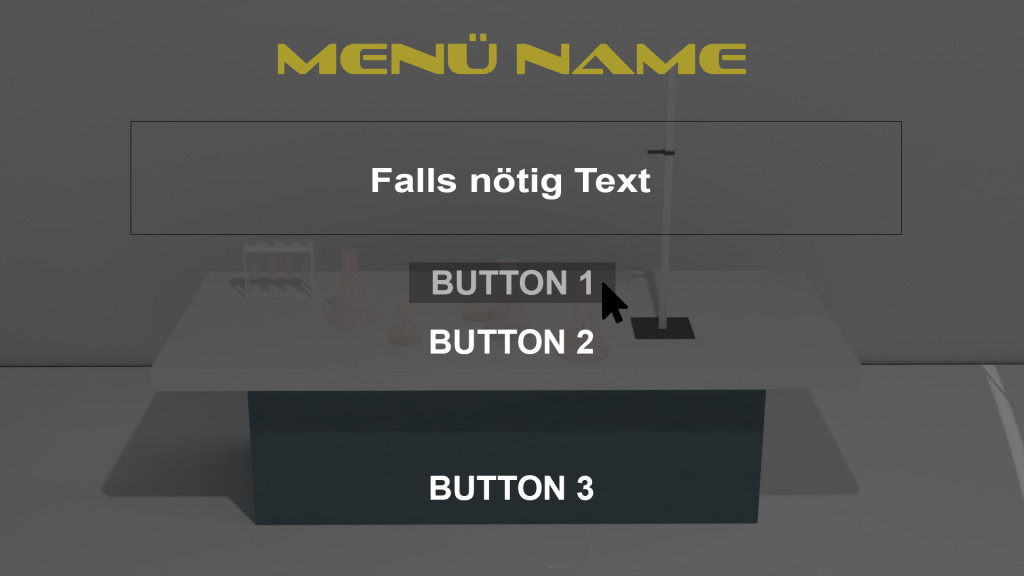
For menus like graphic settings, sound settings or pause menus and hints in the game the following template should be used.
When activating this menu type, the background will be grayed out and a menu with text and buttons will open
opens. The headline is again in the font „Sofachrome“ and our yellow, text and buttons in „Arial“ and white.
Buttons are written in capital letters. On mouseover, the buttons turn gray.
The number and vertical position of the buttons is variable, the horizontal is fixed in the center.
Geplante Menüs
Start menu, loading screen, settings, contributors, pause menu
Playtest
Durchführung
Introduction
1. presentation of the high-concept
The tester gets to hear the actual story of the game. The basic theme and the concept of the game are explained to him.
This helps to illustrate and understand the following test.
Controls
In order to better understand the game, the basic controls are explained to the tester. A wireframe is used for this purpose.
Test
The developer goes through the prefabricated test questionnaire with the tester. In this test, the respondent answers general questions.
He/she then completes the task:
„Find a way to cross the bridge“.
Here the tester is put to the test. The main part of the test is given to the respondent. The subject gets a chance to think about his/her next action. The puzzle must be solved, even if it is not easy to do so. The intention of this task is to determine the understanding of the puzzle as well as the handling and unambiguity of the individual elements/assets towards the player. The developer notes any issues, as well as understandings of the tester.
Postgame
General questions about the playtest are asked. The following comments/impressions of the tester regarding the prototype are addressed.
You can see the playtest and evaluation here:
Cutscene
Cutscene
As a task for this study work, we also had to plan and work out a cutscene.
We decided to film the accident of the professor. This led to the fact that he exists in two worlds at the same time.
Unfortunately, due to time constraints, the script was only partially realized.
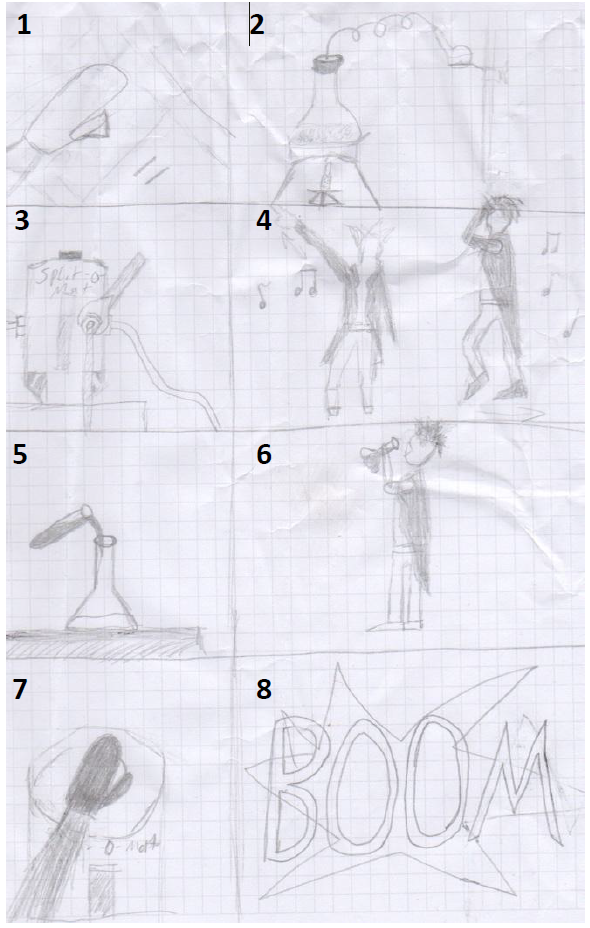
Drehbuch
1. OPERATING THE DEVICE
Here an animation is played on the display of the device. The play symbol changes to the pause symbol. Button sound is played.
2. CAMERA MOVEMENT AROUND THE LABORATORY EQUIPMENT
The camera moves around the test tubes placed on the lab bench to show that the chrackter is in a lab. Main music plays and runs in the background.
3. REPAIRING/FINISHING THE REACTOR
In this scene, the reactor is being repaired. A wrench, which hits the hex nut from the left side of the screen, turns the screw in the reactor. Main music
plays in the background.
4. DANCE ANIMATION OF THE PROFESSOR
The professor dances in front of the laboratory equipment. Party atmosphere is created. Main music is playing in the background.
5. POURING CHEMICALS
The chemicals in the test tubes are mixed. Main music is playing in the background.
6. PROFESSOR DRINKS CHEMICALS
The professor is quite crazy and sometimes dares more dangerous experiments and drinks the chemical. Main music is playing in the background.
7. PRESSING THE BUTTON ON THE REACTOR
The professor’s left hand operates the button on the reactor. The hand moves towards the button from the left side. The button moves downwards. Button sound is played, as well as main music plays in the background, but slowly decreases.
8. THE REACTOR EXPLODES
The reactor in the lab explodes after the button of the reactor is pressed.
The whole lab blows up. Explosion sound plays.
Fast and rhythmic cuts between the scenes for a good party feeling.
Storyboard
Musik
Blue Monday from New Order
Self-Criticism
Since this prototype is a student project, there are unfortunately still some points that I would like to improve.
With my studies and my work, I unfortunately rarely get to pursue my own projects intensively, but I would still like to record my thoughts on this.
Gameplay
The movements of the character is too slow and should move faster.
If you have not yet learned the techniques of the game, the level is too difficult. It is very unsuitable as a „starting level“.
The player must first be introduced to the mechanics with some simple puzzles.
The player needs to be made more aware of ineractable objects. These could, for example, light up.
The camera is too sensitive.
Sounds
There are still some missing sounds like steps, interacting and it would be good if the professor would also talk to himself or to the other character.
So he could give himself „tips“.
Licht
The light is too dark. A brighter and warmer lighting mood would be better.
Kontakt
-
Lukas Fritsch
12161 Berlin - gd@fritsch-lukas.de
Social Networks
Lukas Fritsch
Game Design
Portfolio